Mass to Image: The Complete AI Visualization Ecosystem
Turn Simple Massing Models into Award-Winning Architectural Visualizations.
"Mass to Image" is not just another 3D asset or a simple AI model. It is a complete ecosystem designed specifically for Architects and Interior Designers who want to harness the power of AI without becoming "Prompt Engineers."
📦 What's Included?
This package contains three essential components that work in harmony:
1. The Brain: Tect (AI Design Partner)
Included as a standalone Desktop App for Mac & Windows. Most architects struggle with AI because they know what they want but don't know how to ask the AI for it. Tect bridges that gap.
Input: Drag & drop your basic geometry and a style reference image.
Process: Tect analyzes your inputs using advanced computer vision and acts as your "Art Director."
Output: It generates the exact, highly technical prompt needed to control the rendering engine. No more guessing words.
2. The Engine: Custom Fine-Tuned LoRA
A bespoke AI model trained on high-end architectural photography and rendering styles.
Optimized for Massing: Specifically trained to understand simple "block" models and translate them into realistic materials (concrete, glass, timber) without losing the original form.
Style Flexibility: deeply understands lighting, atmosphere, and architectural composition.
3. The Factory: Custom ComfyUI Workflow
A professional grade
.json workflow for ComfyUI.
Plug & Play: Load the workflow, connect your model, and paste the prompt from Tect.
Control: Includes nodes for ControlNet (to keep your lines straight) and IP-Adapter (to steal the mood from reference images).
🚀 Why is this special?
The Problem: standard AI (Midjourney, DALL-E) hallucinates. It changes your building's shape. It ignores your specific material requests. It feels random.
The Solution: "Mass to Image" gives you Control.
Geometry Fidelity: The workflow respects your 3D model's lines.
Step-by-Step Prompting: Tect ensures the AI understands exactly the vibe you want (e.g., "Brutalist museum in a rainy forest") before you even start rendering.
Professional Workflow: This is the exact toolset used by top AI visualization studios, packaged for you.
🛠️ System Requirements
To run the rendering engine (ComfyUI) locally, you need powerful hardware. However, Tect runs on any computer.
Option A: Local Rendering (Free)
OS: Windows or Linux (Mac M1/M2/M3 works but is slower).
GPU: NVIDIA RTX 3060 (12GB VRAM) or better recommended.
Software: ComfyUI (Free).
Option B: Cloud Rendering (Paid) If you don't have a powerful GPU, Comfy Cloud (Official) is the best option. It is optimized for this exact workflow and extremely easy to use.
📁 Package Contents
📂 LoRA model: The custom .safetensors file.
📂 tect - Prompt agent: The installer for the Tect Desktop App (Mac/Win).
📄 ComfyUI_Workflow.json: The layout file for ComfyUI.
📂 Example images: Sample massing models and results to practice with.
Stop fighting with prompts. Start designing.Get "Mass to Image" today.
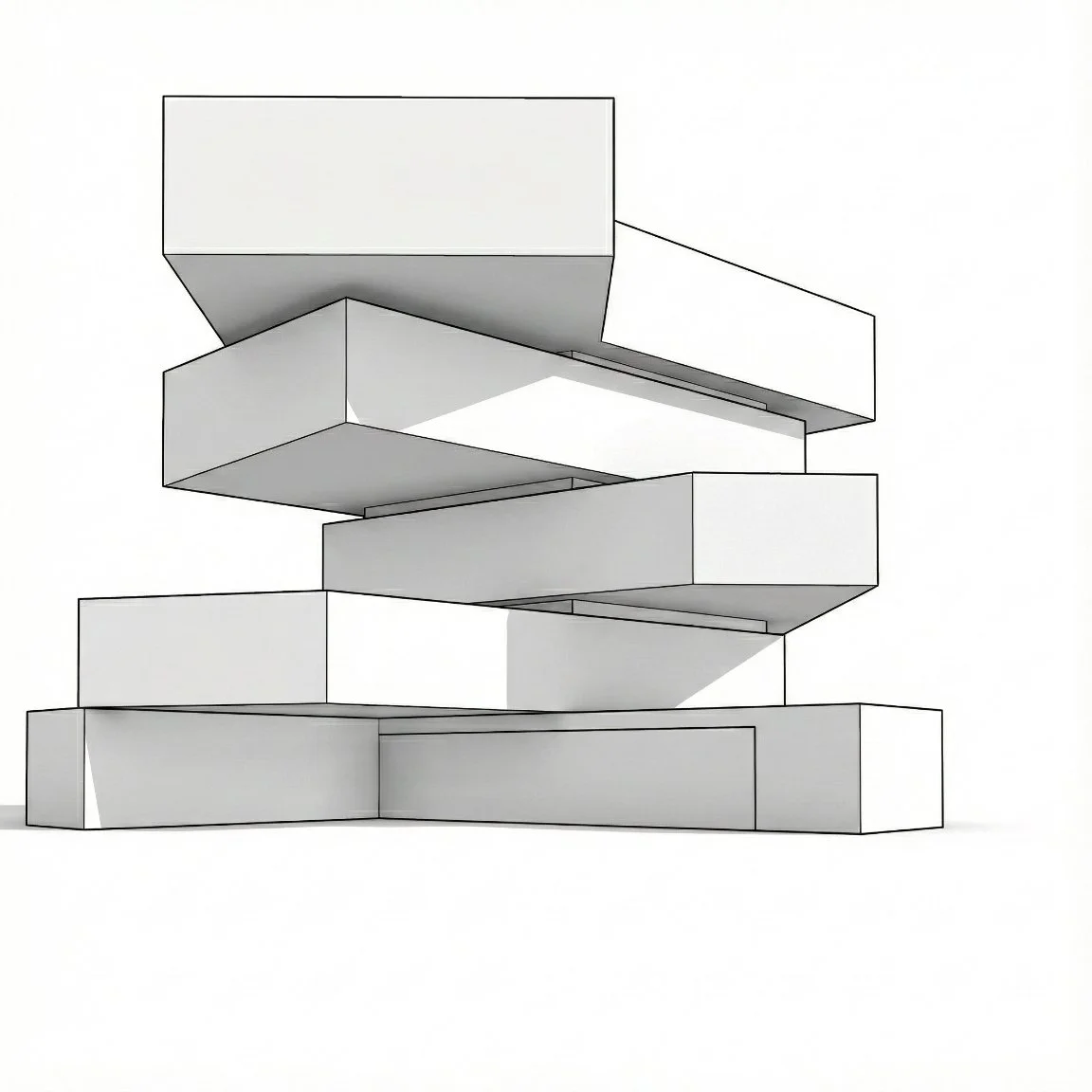 Image 1 of 39
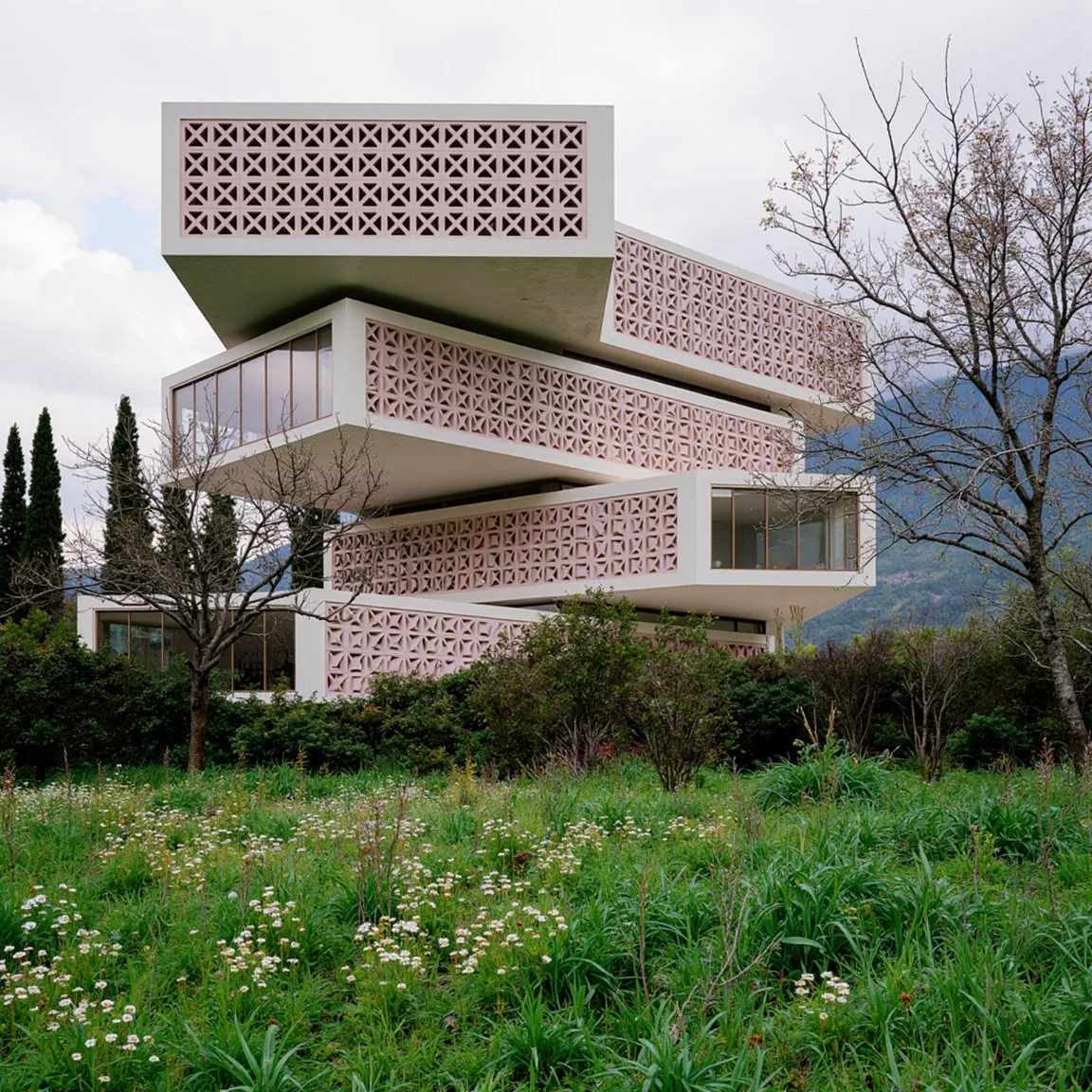 Image 2 of 39
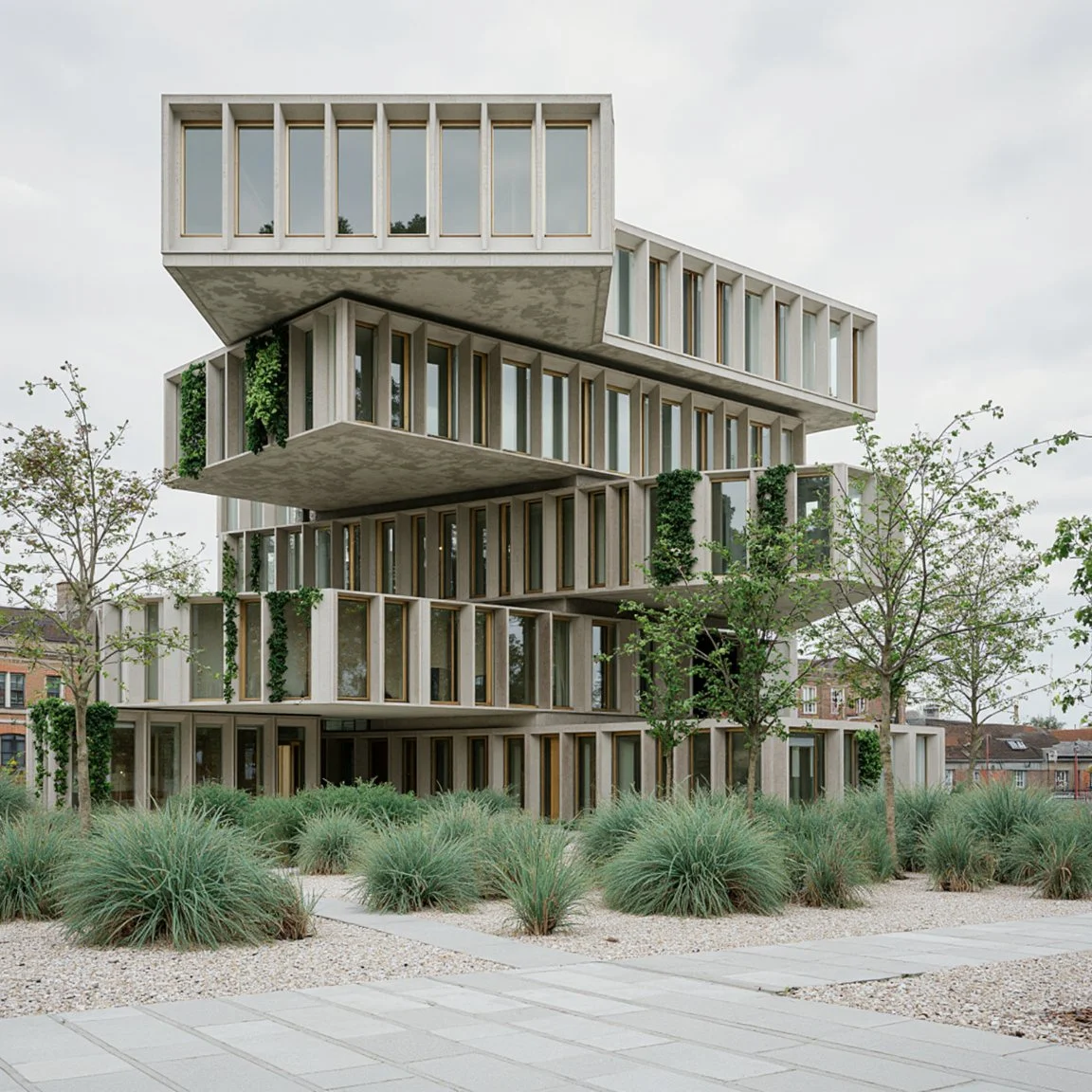 Image 3 of 39
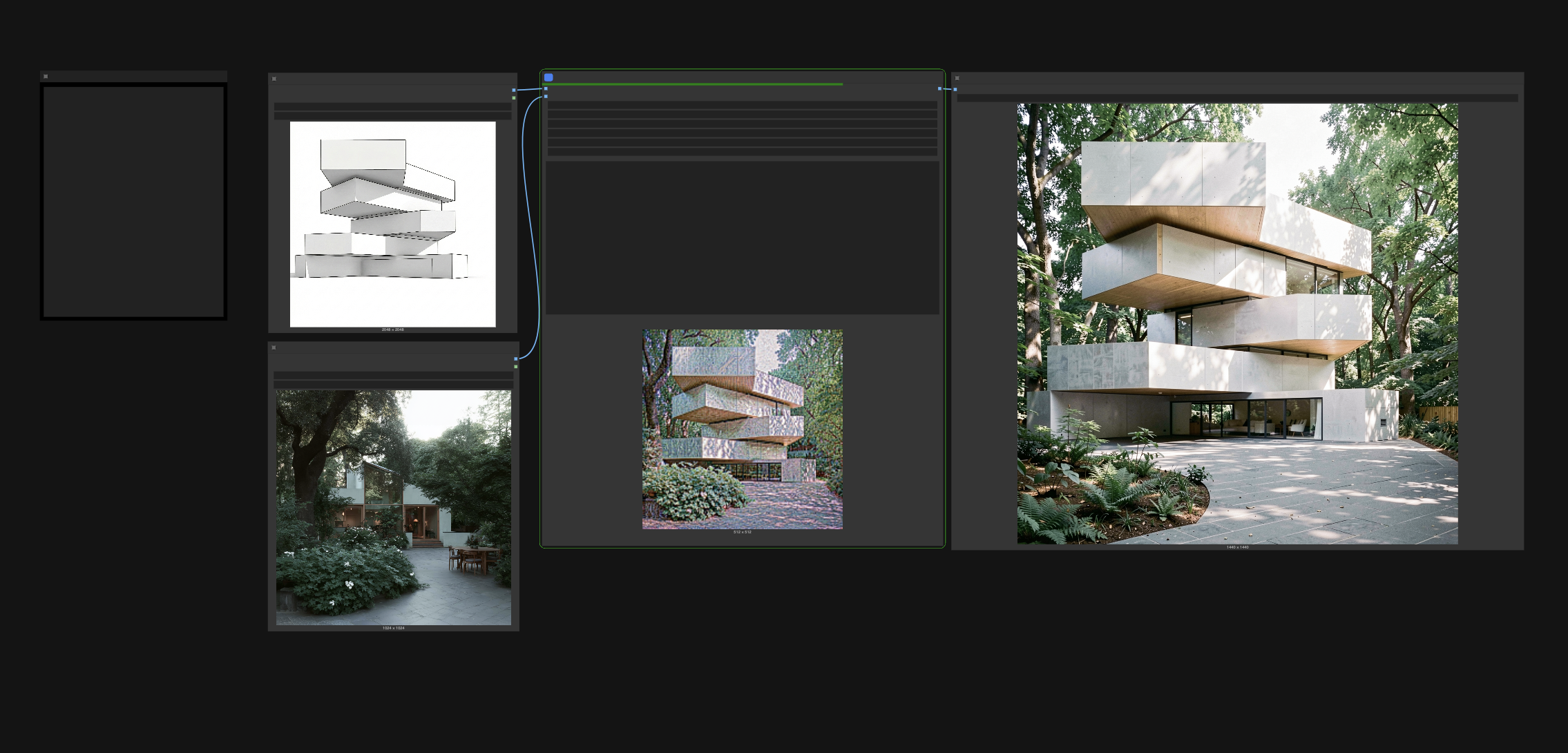 Image 4 of 39
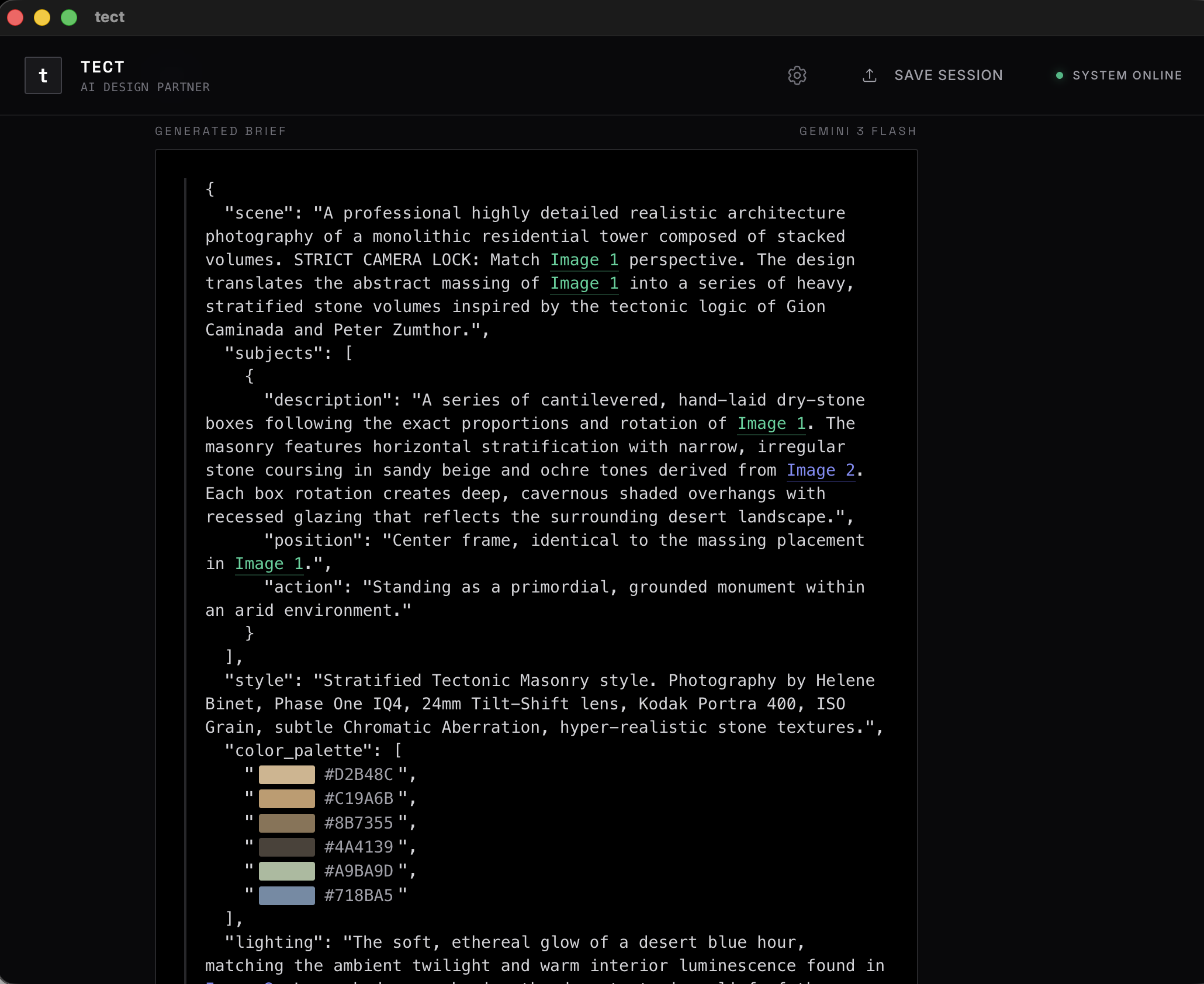 Image 5 of 39
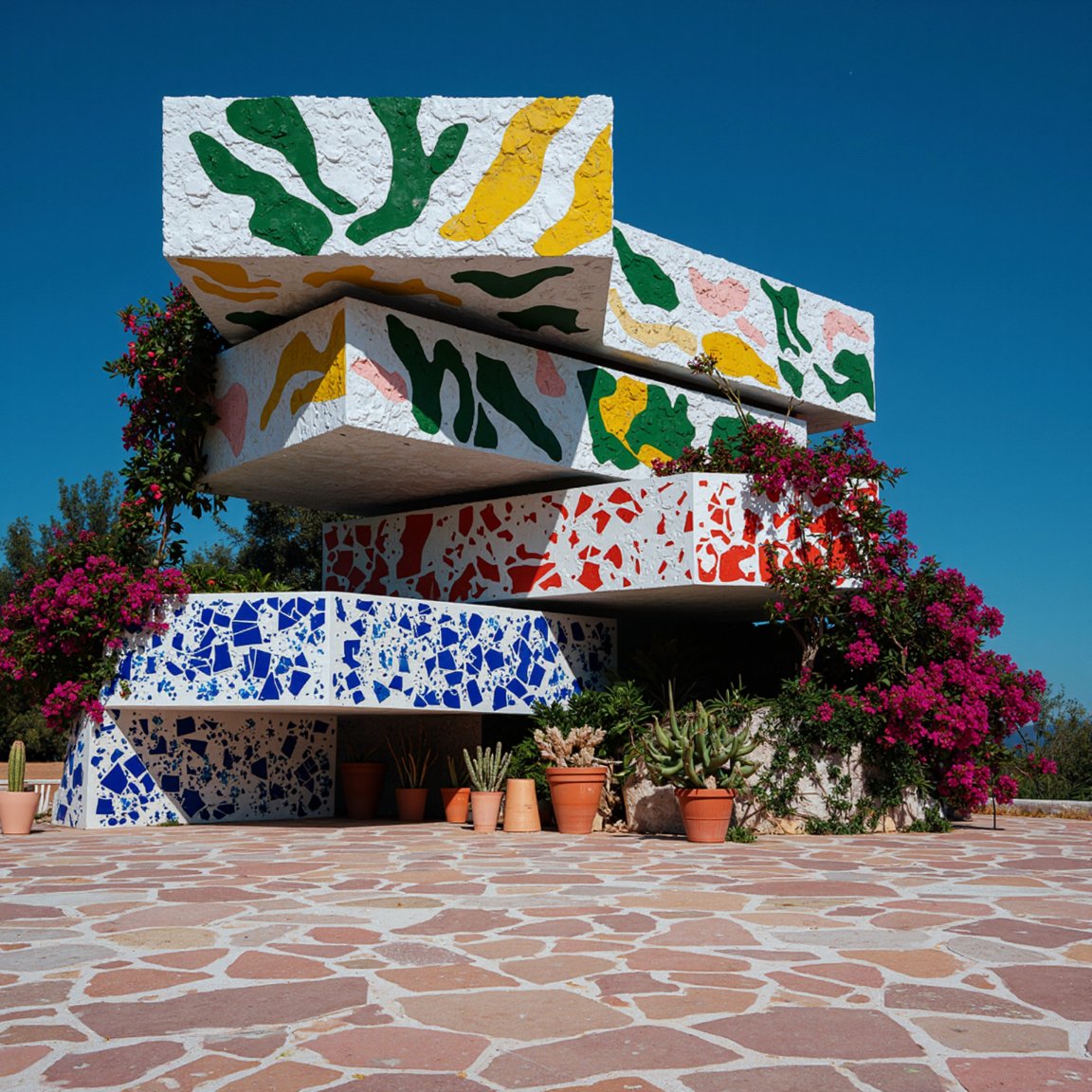 Image 6 of 39
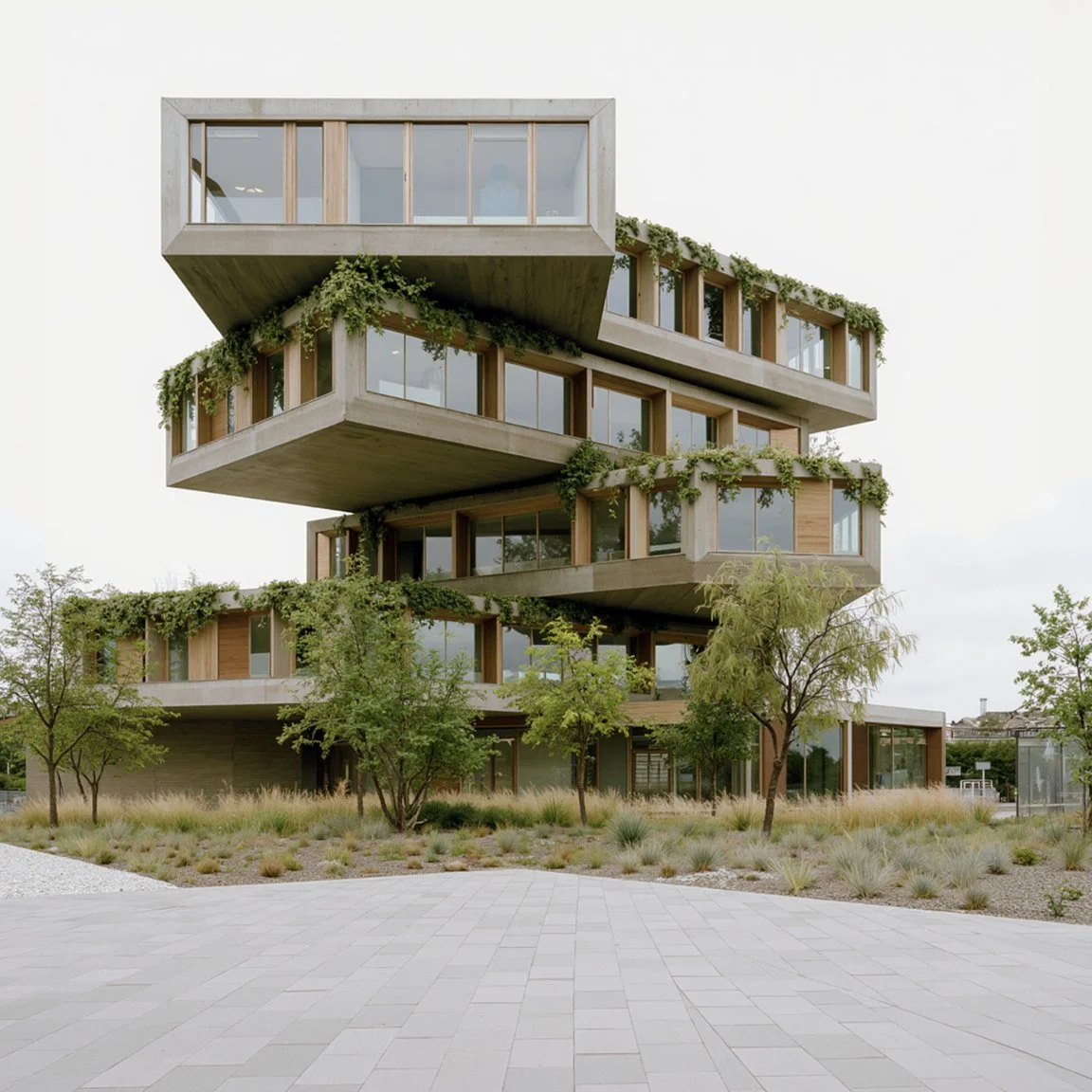 Image 7 of 39
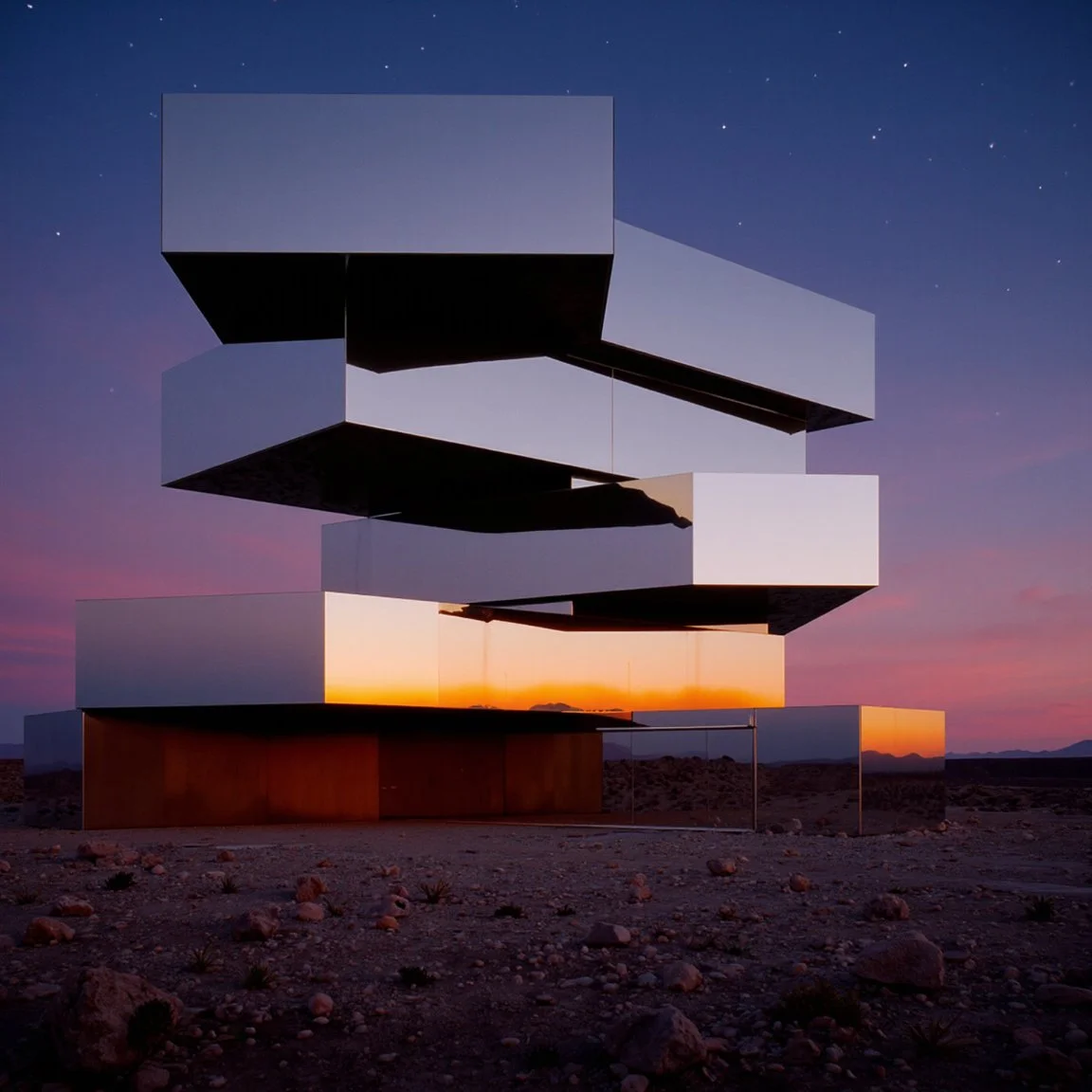 Image 8 of 39
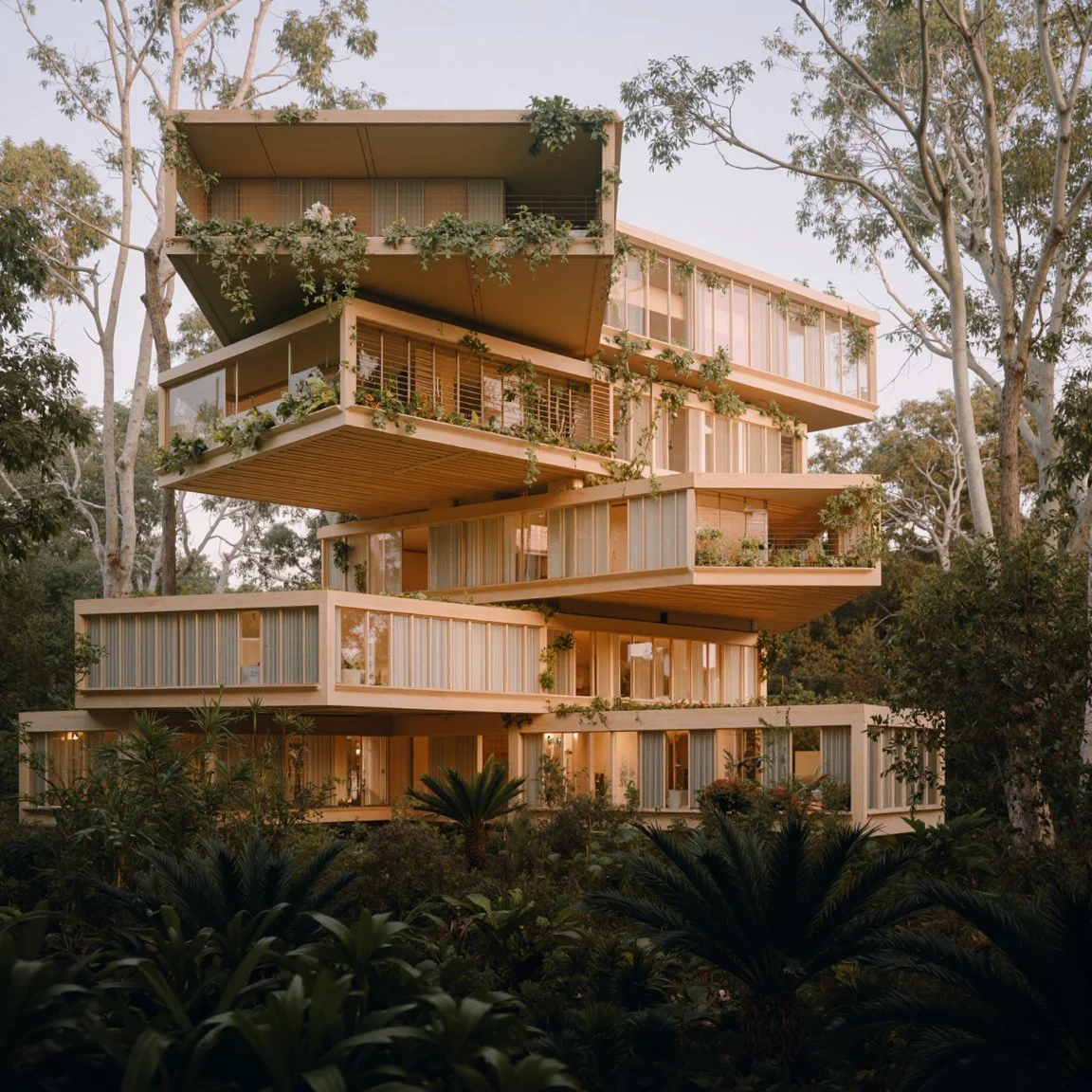 Image 9 of 39
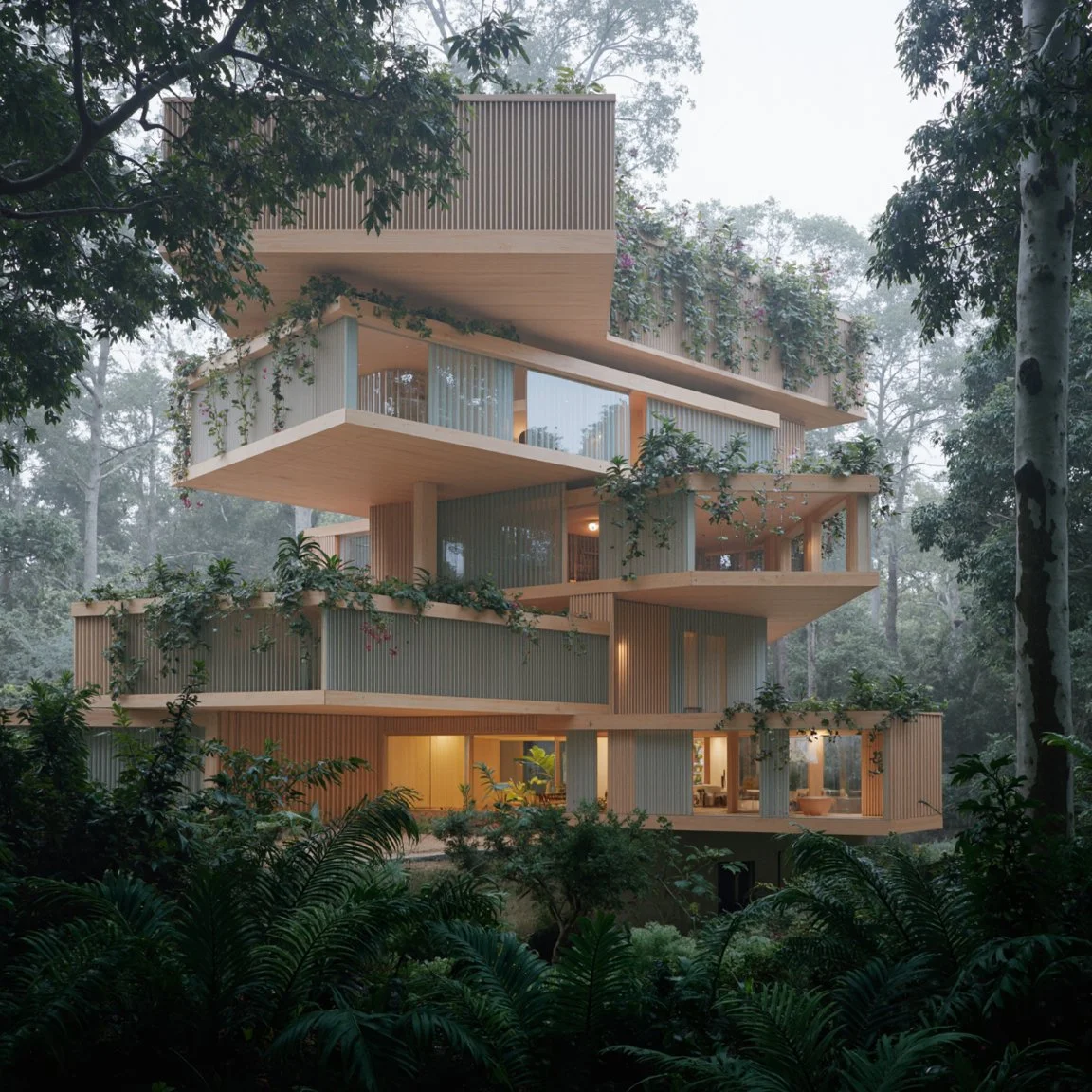 Image 10 of 39
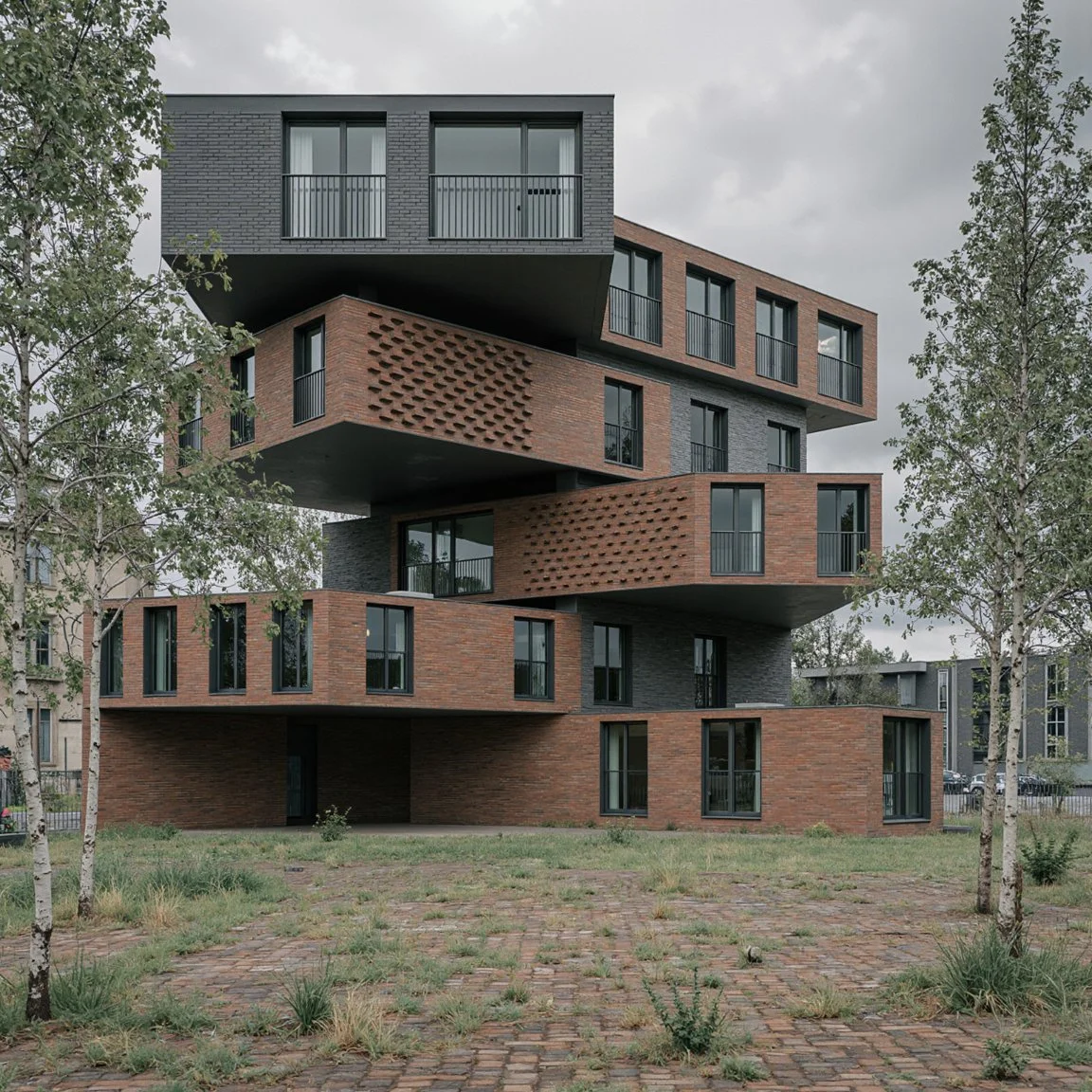 Image 11 of 39
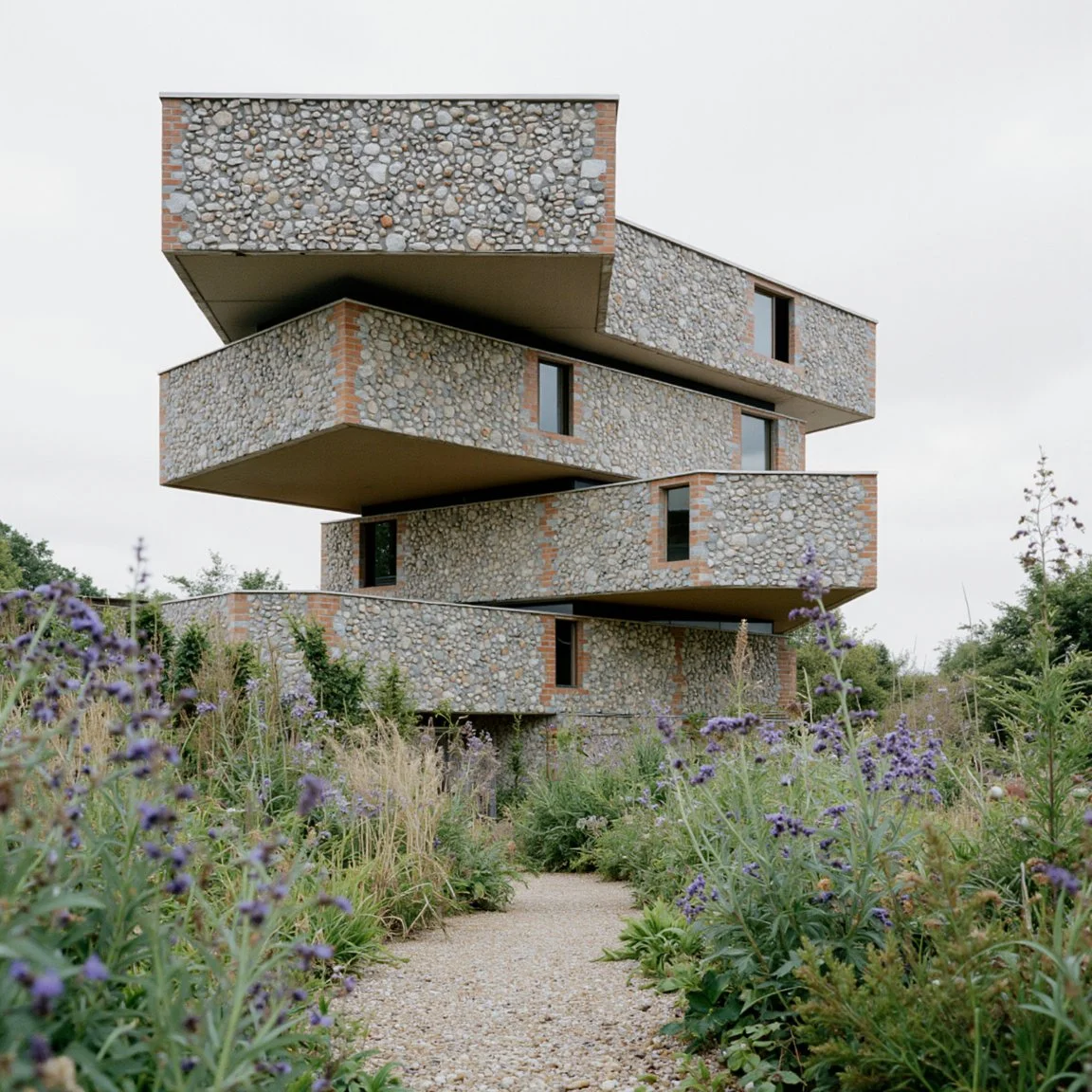 Image 12 of 39
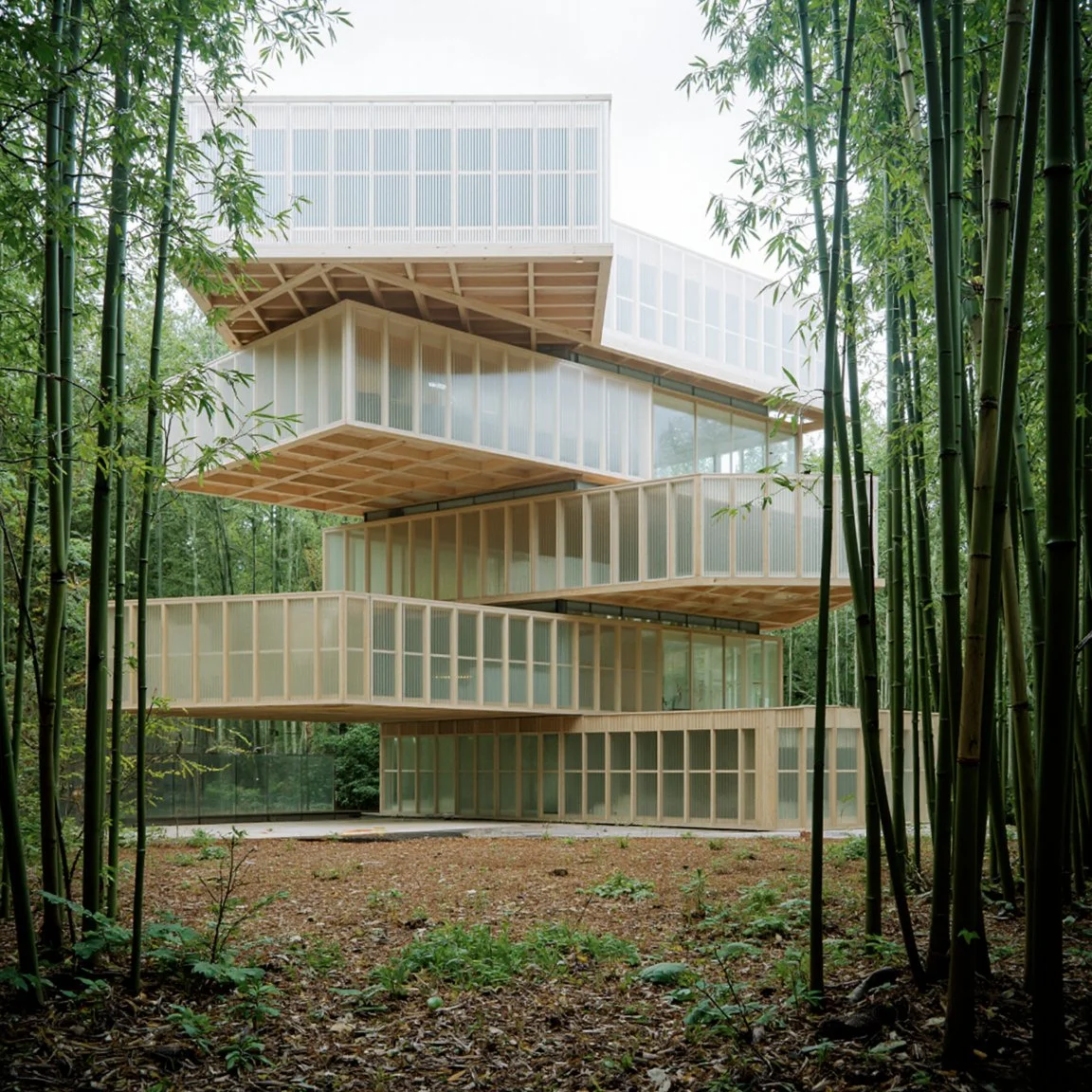 Image 13 of 39
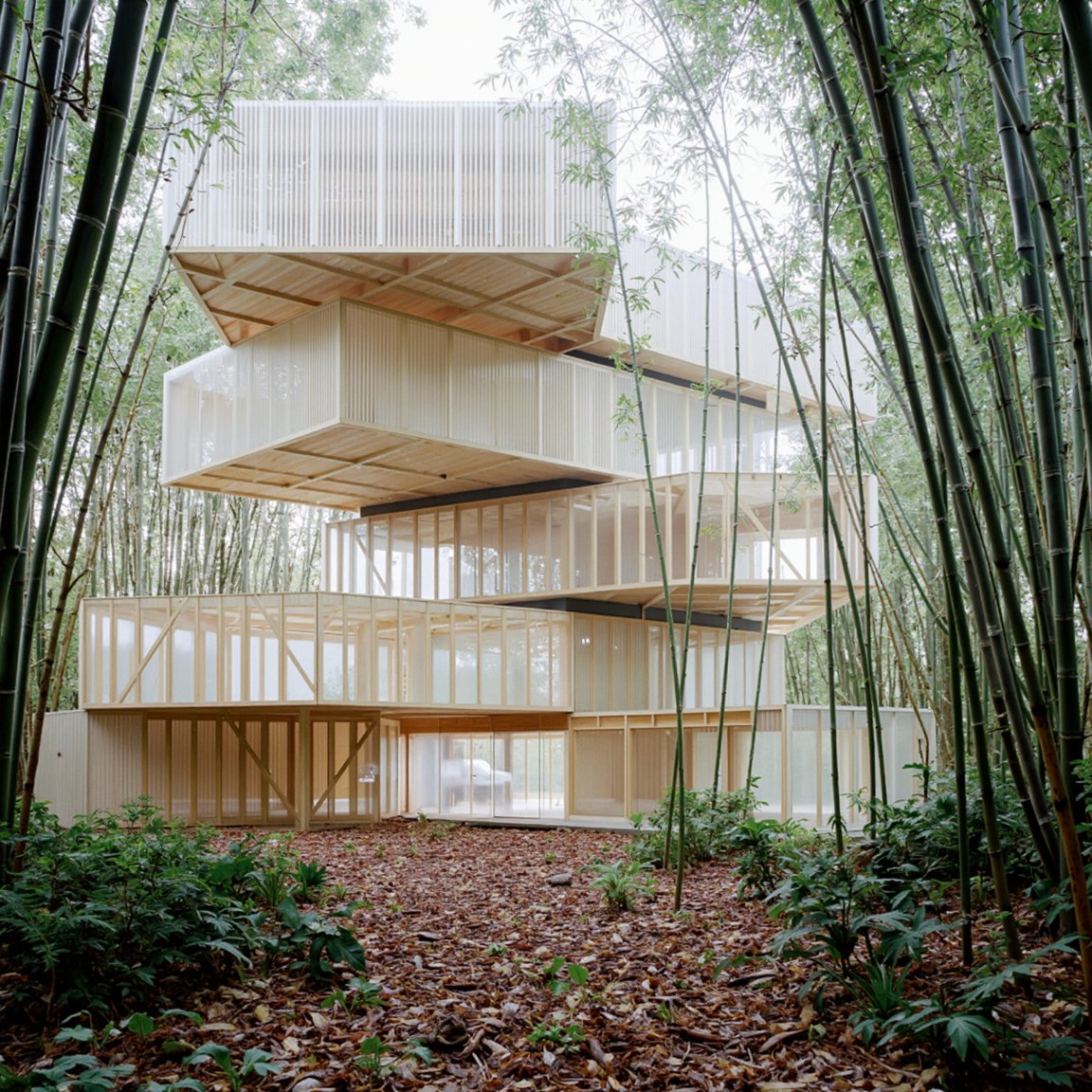 Image 14 of 39
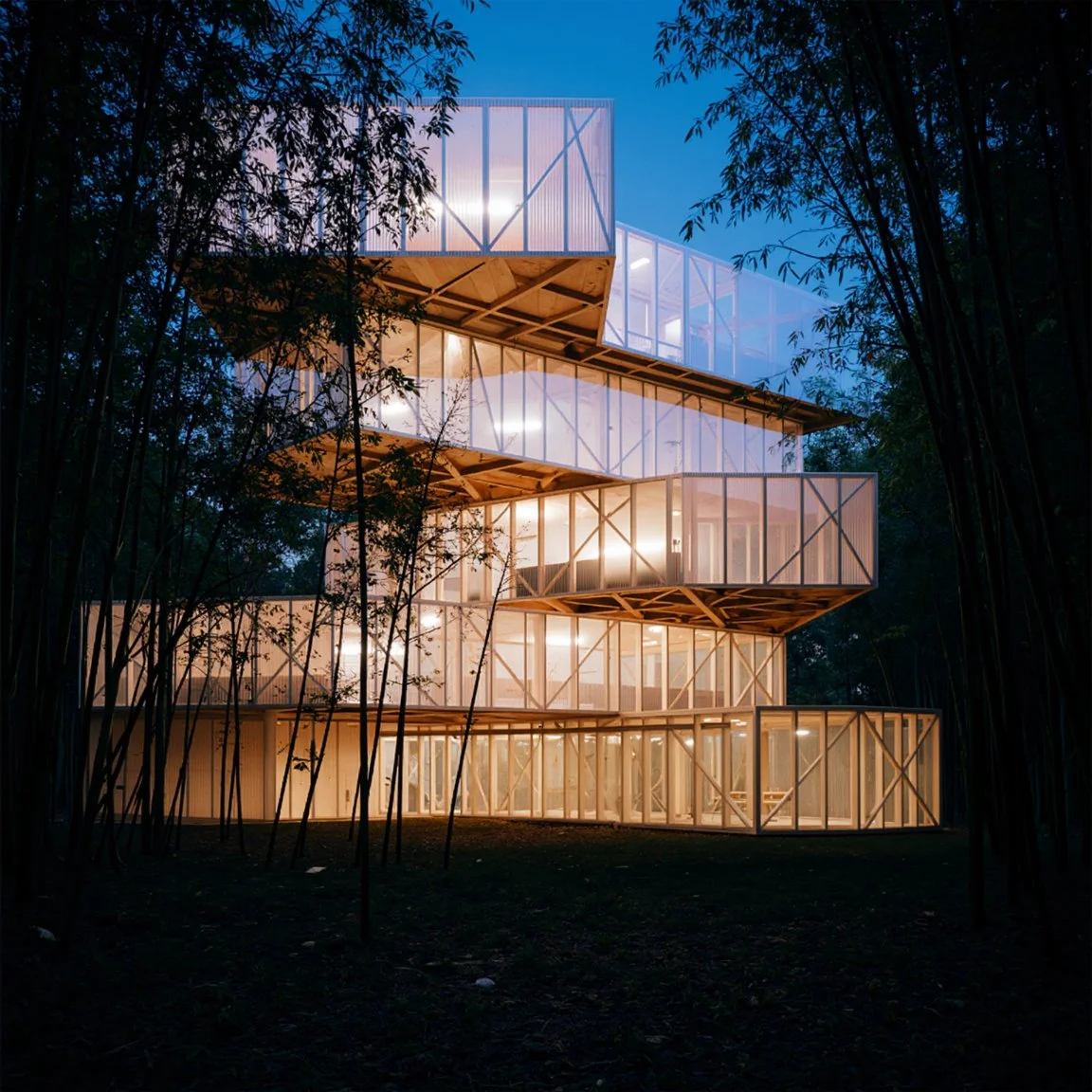 Image 15 of 39
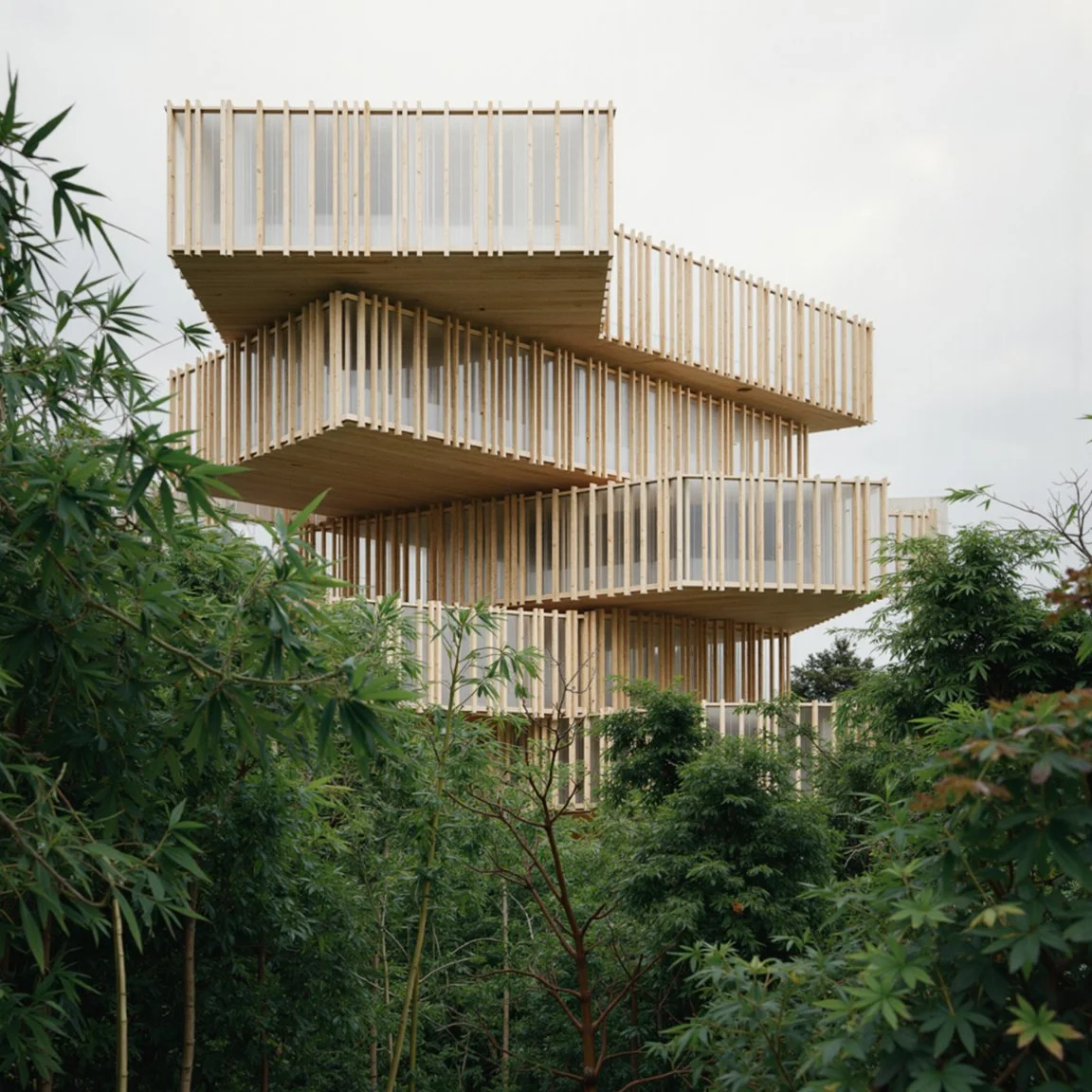 Image 16 of 39
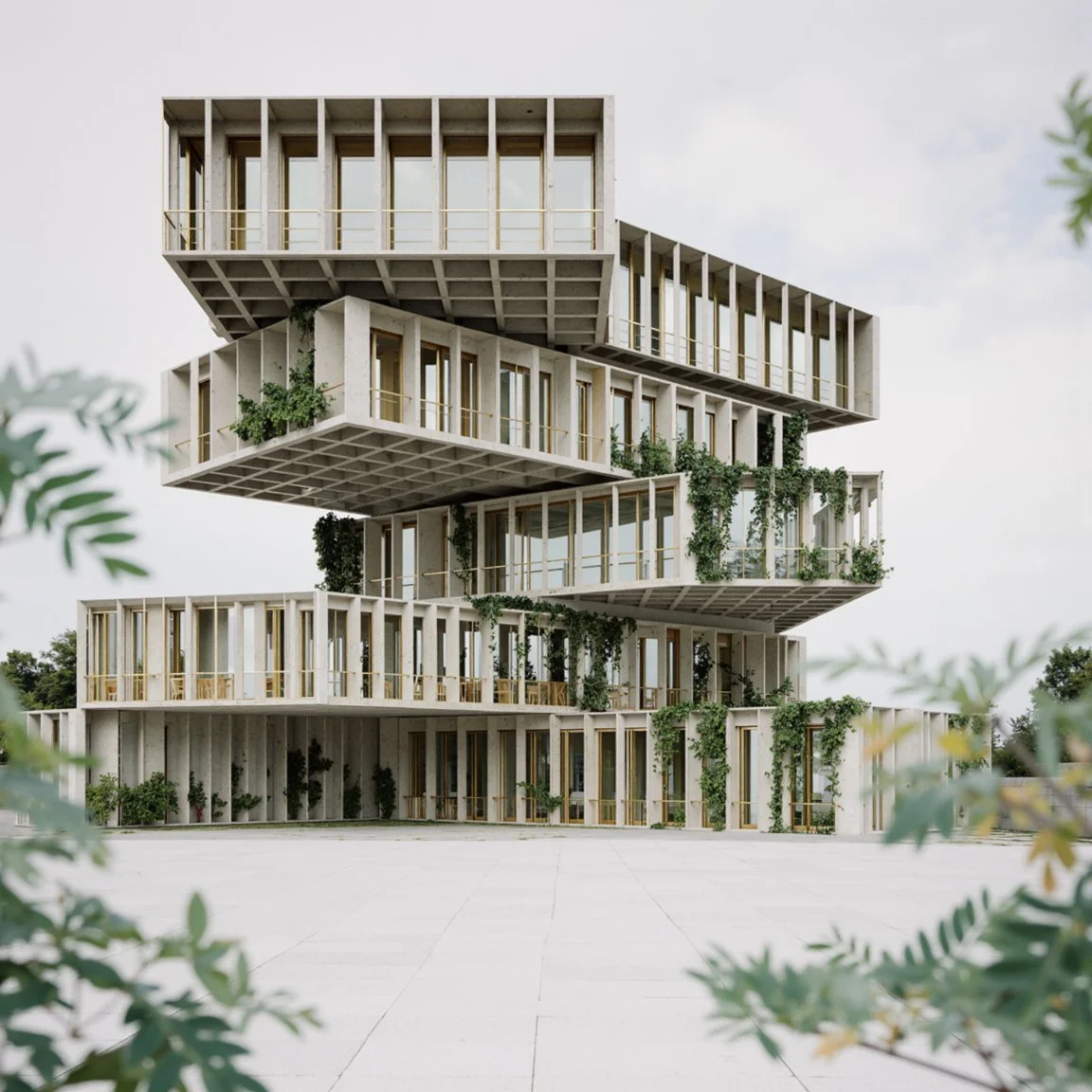 Image 17 of 39
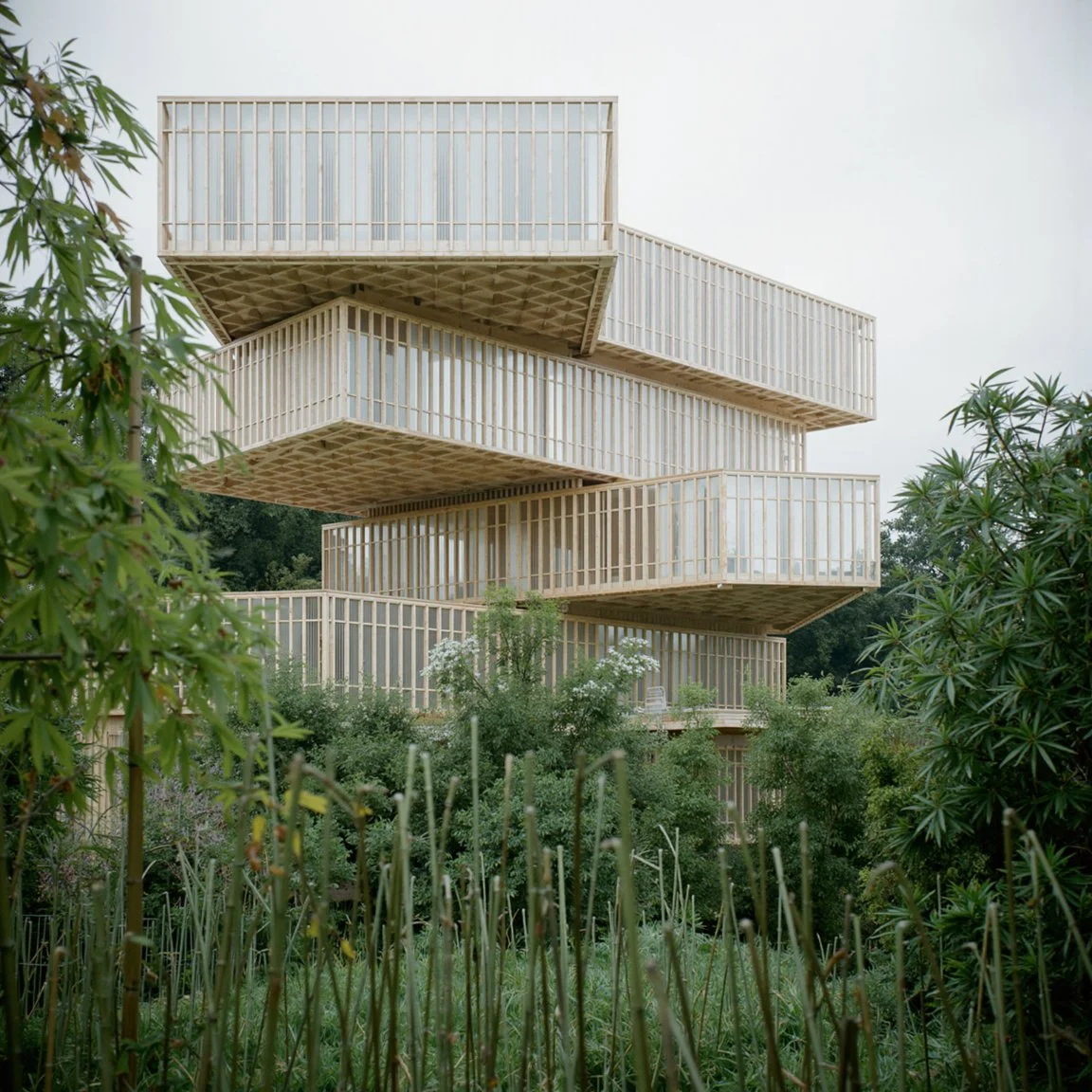 Image 18 of 39
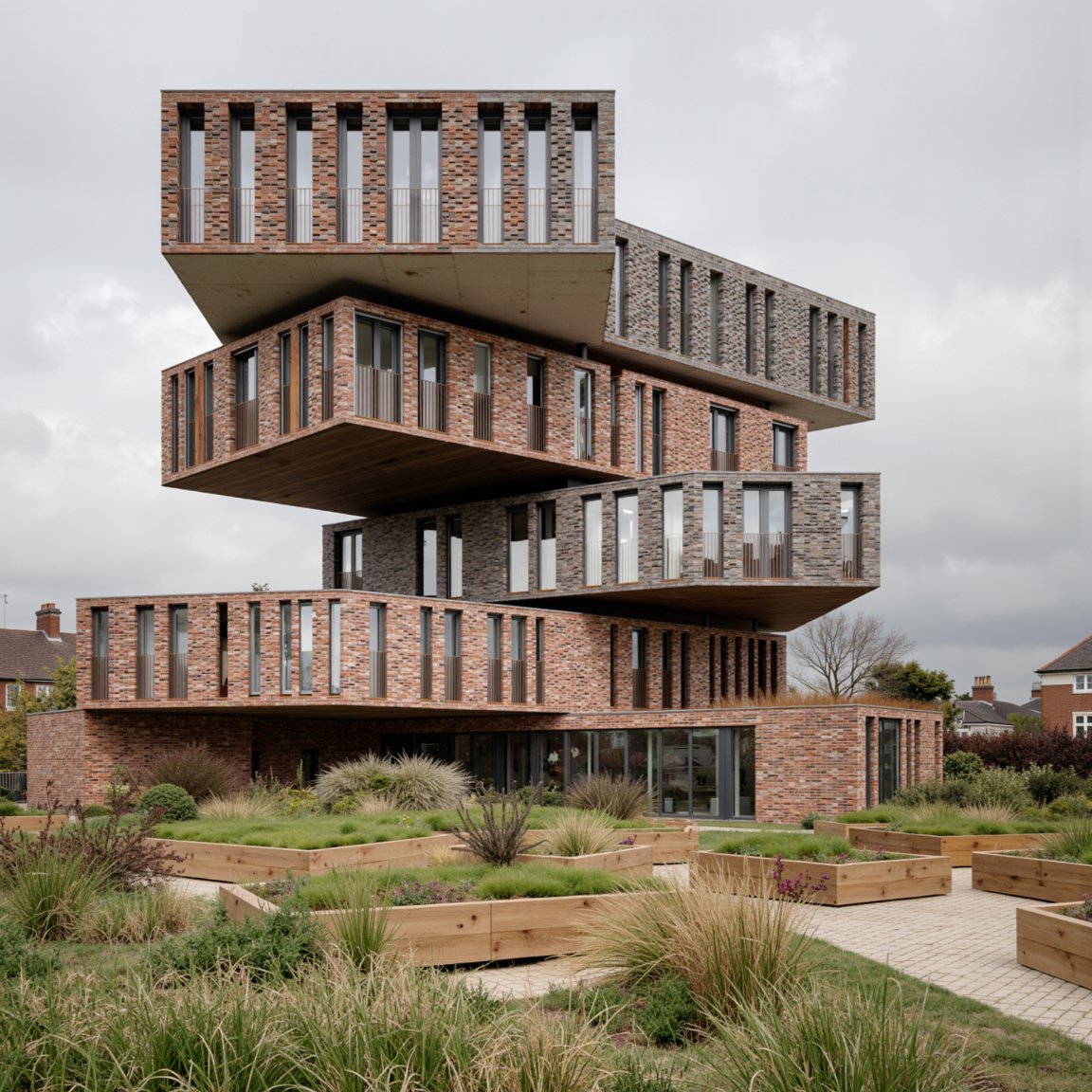 Image 19 of 39
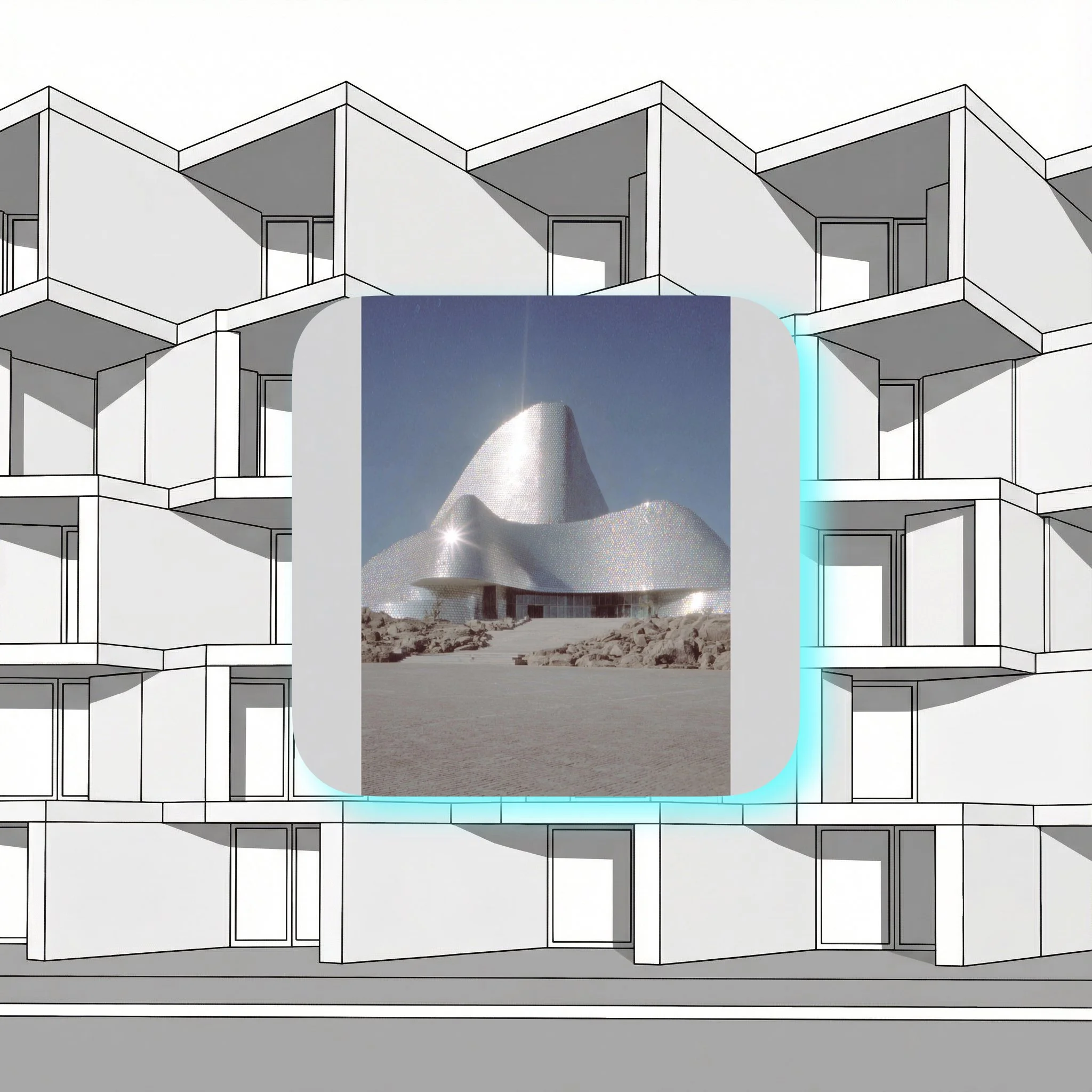 Image 20 of 39
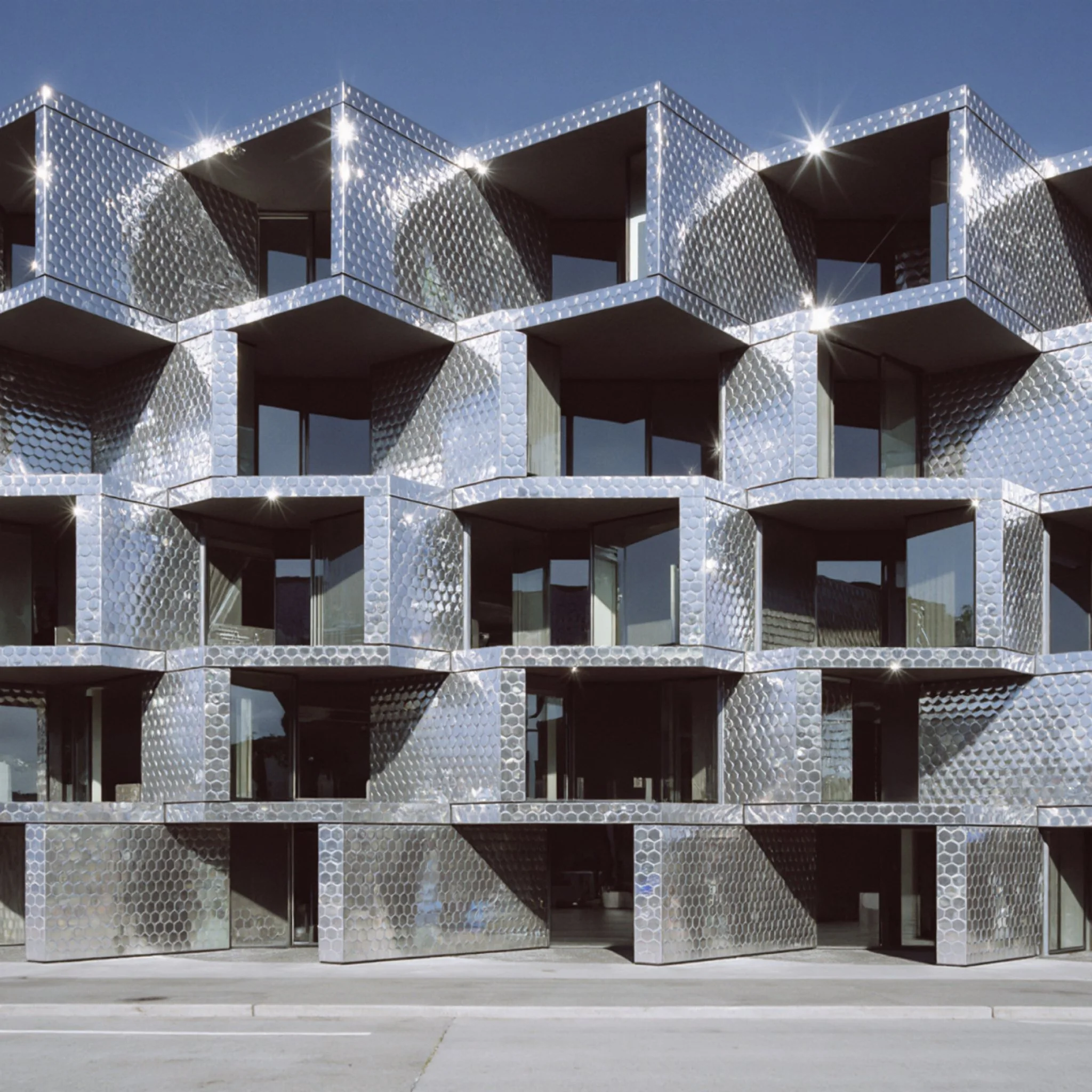 Image 21 of 39
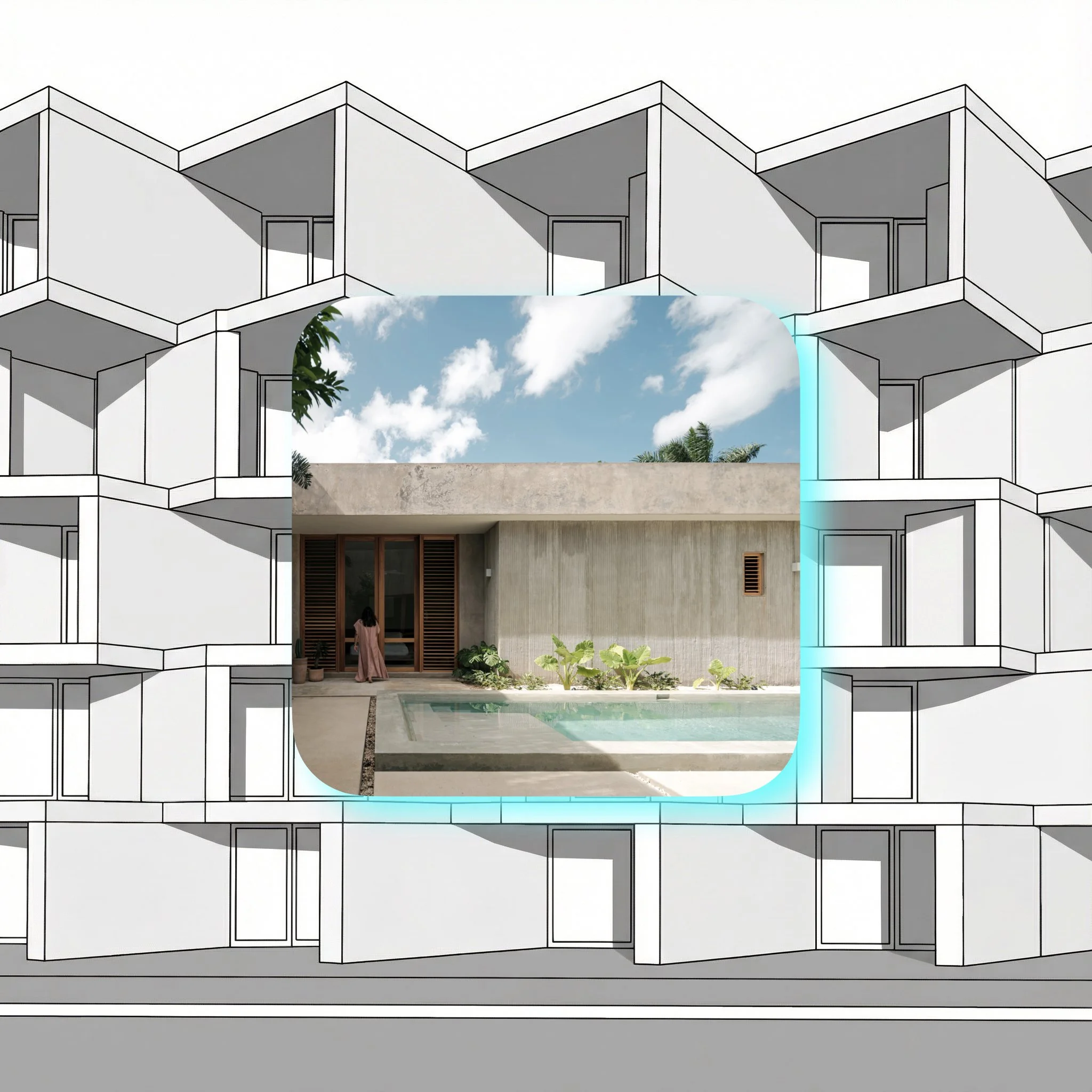 Image 22 of 39
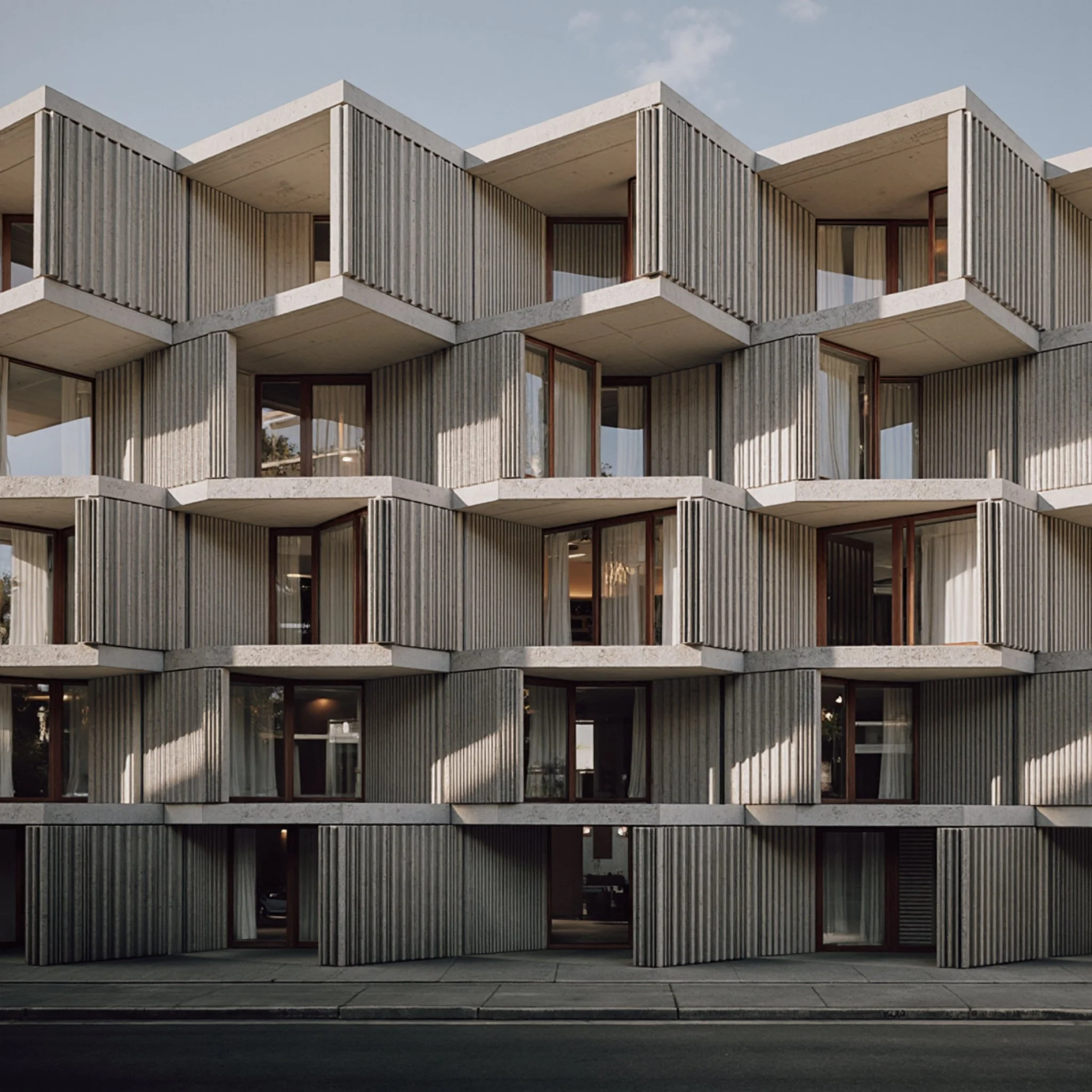 Image 23 of 39
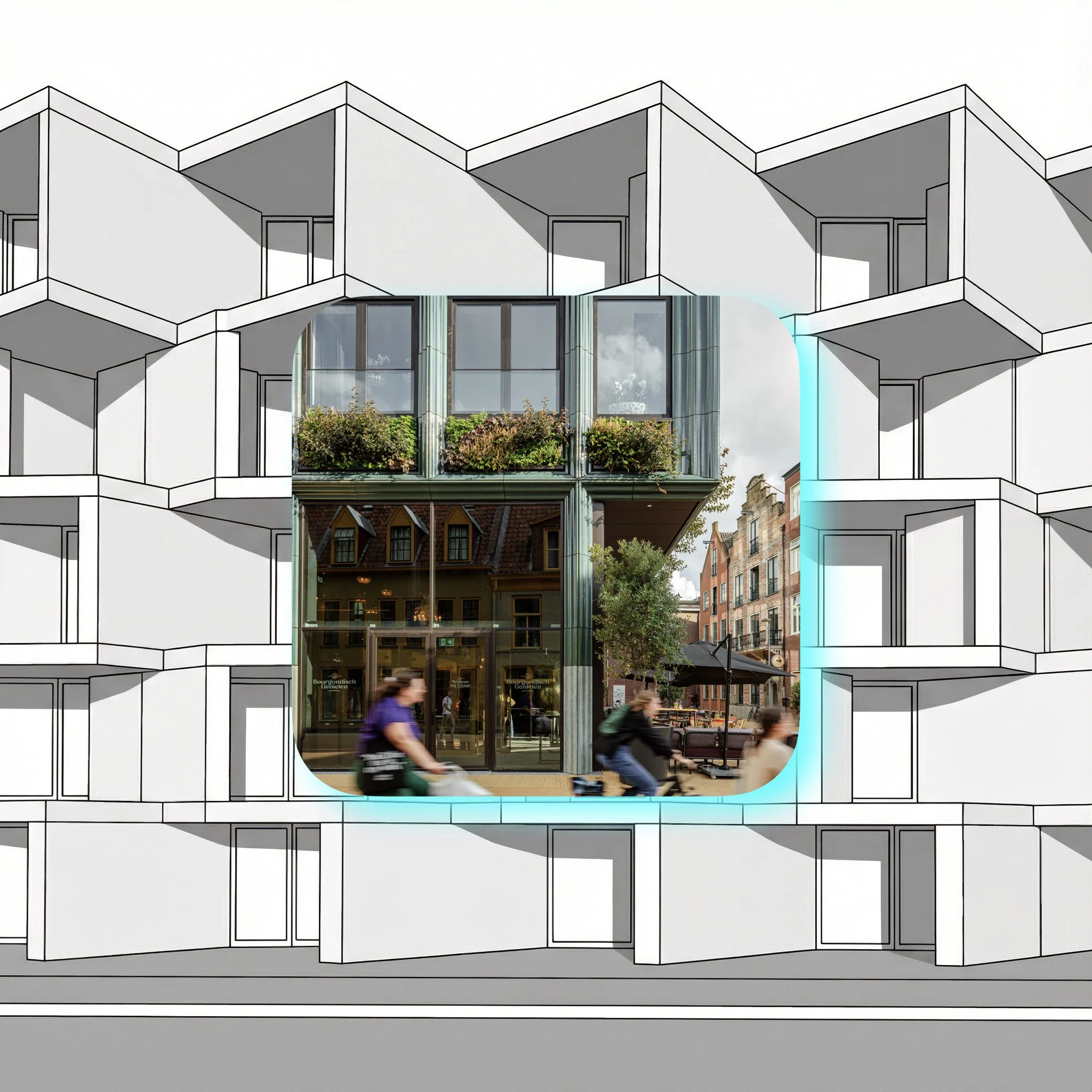 Image 24 of 39
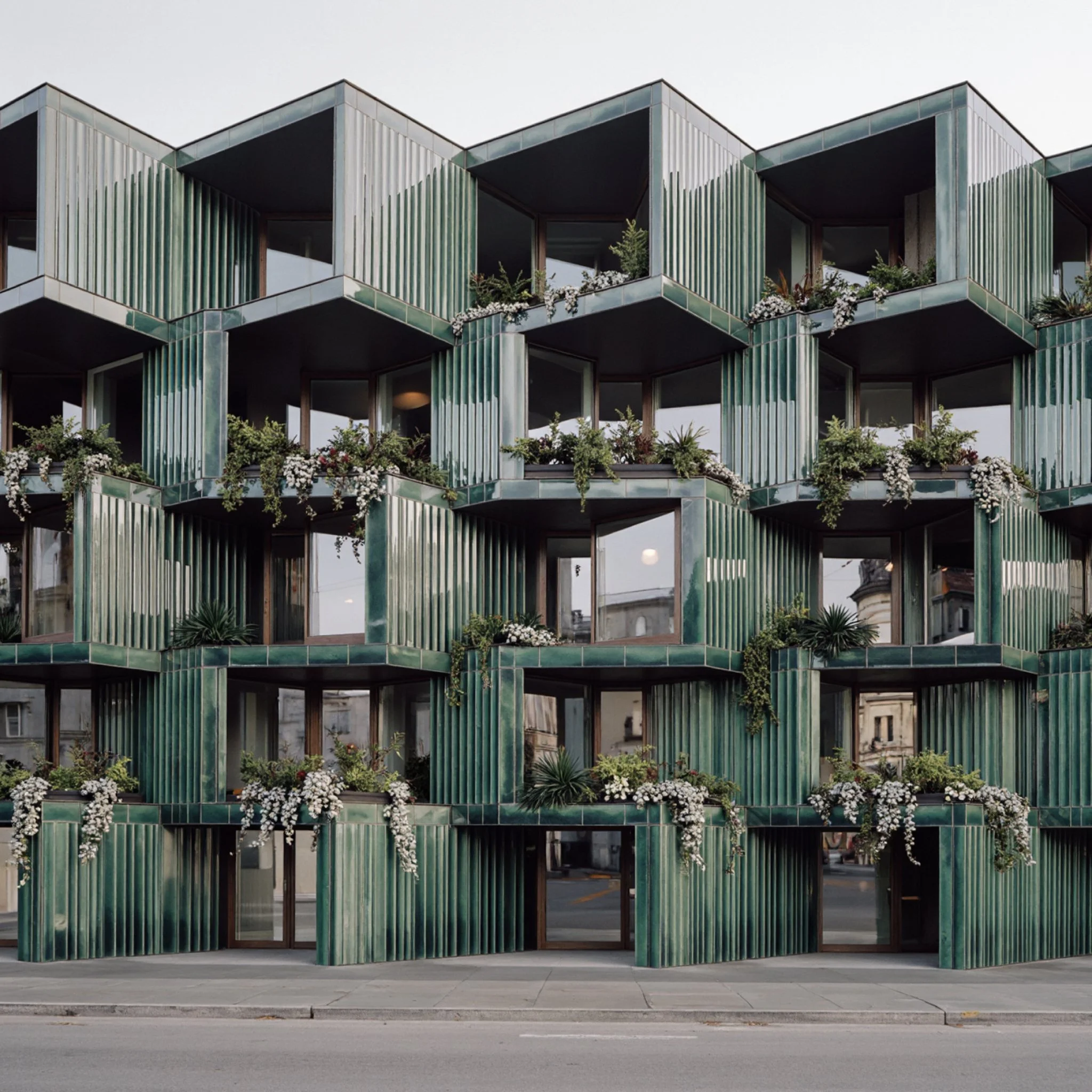 Image 25 of 39
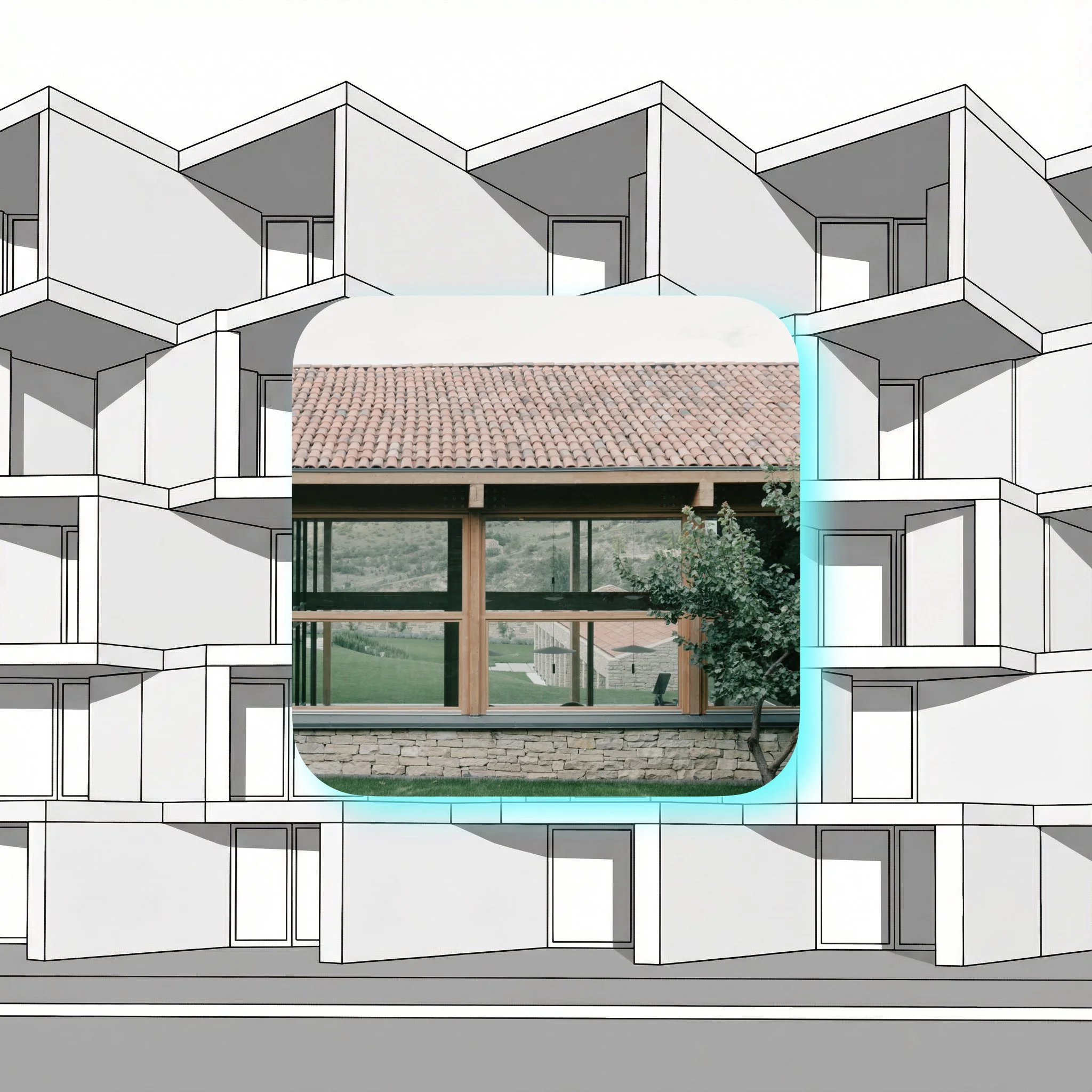 Image 26 of 39
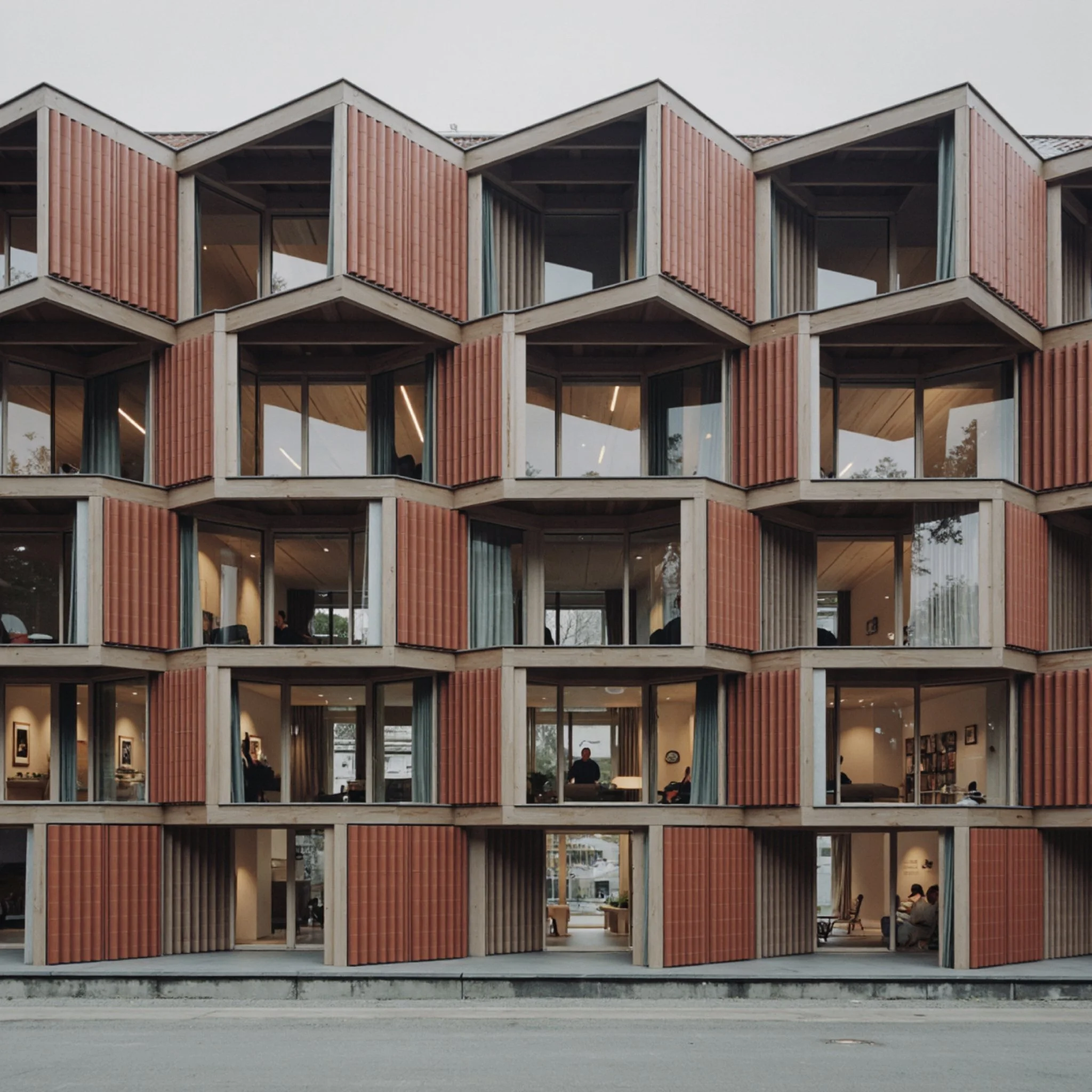 Image 27 of 39
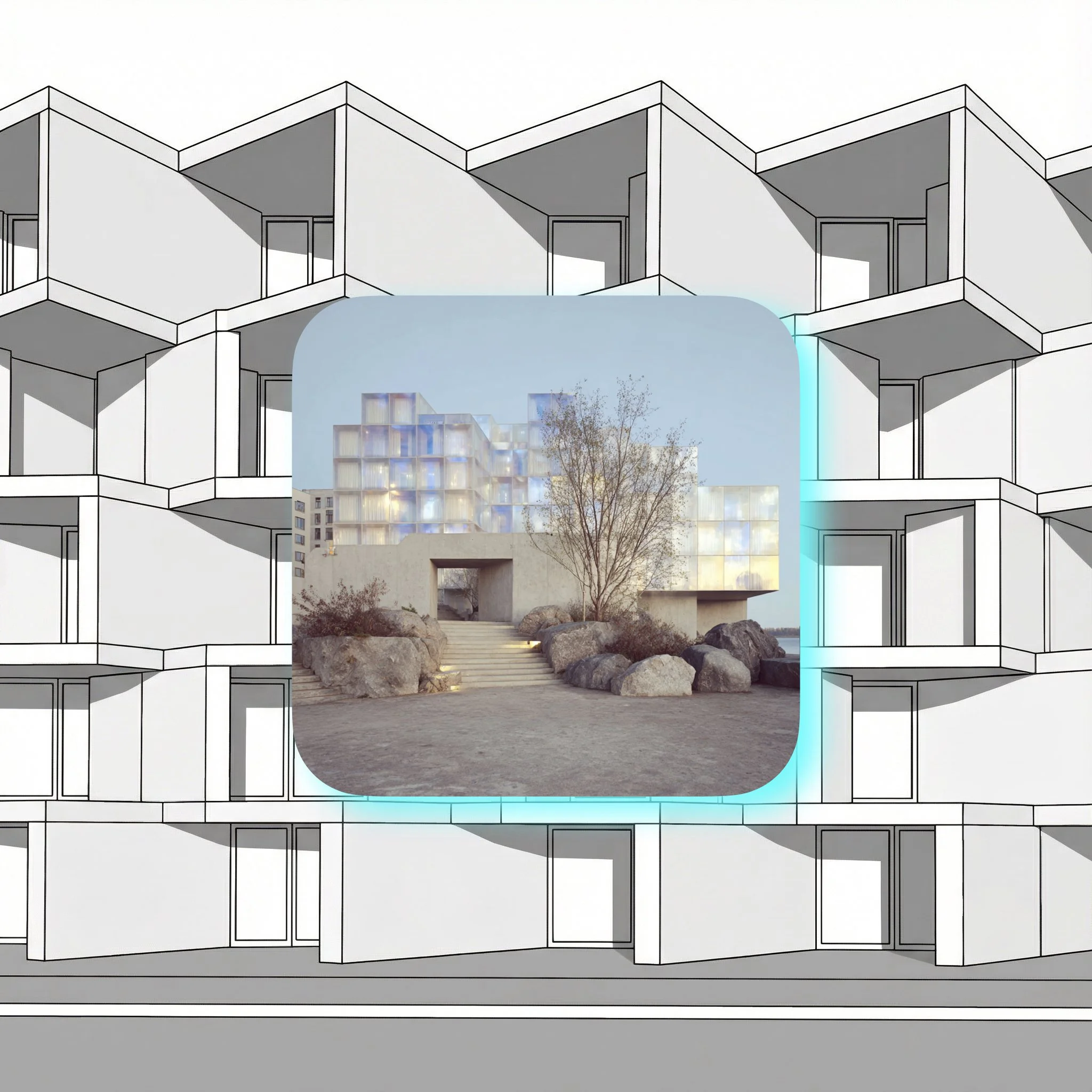 Image 28 of 39
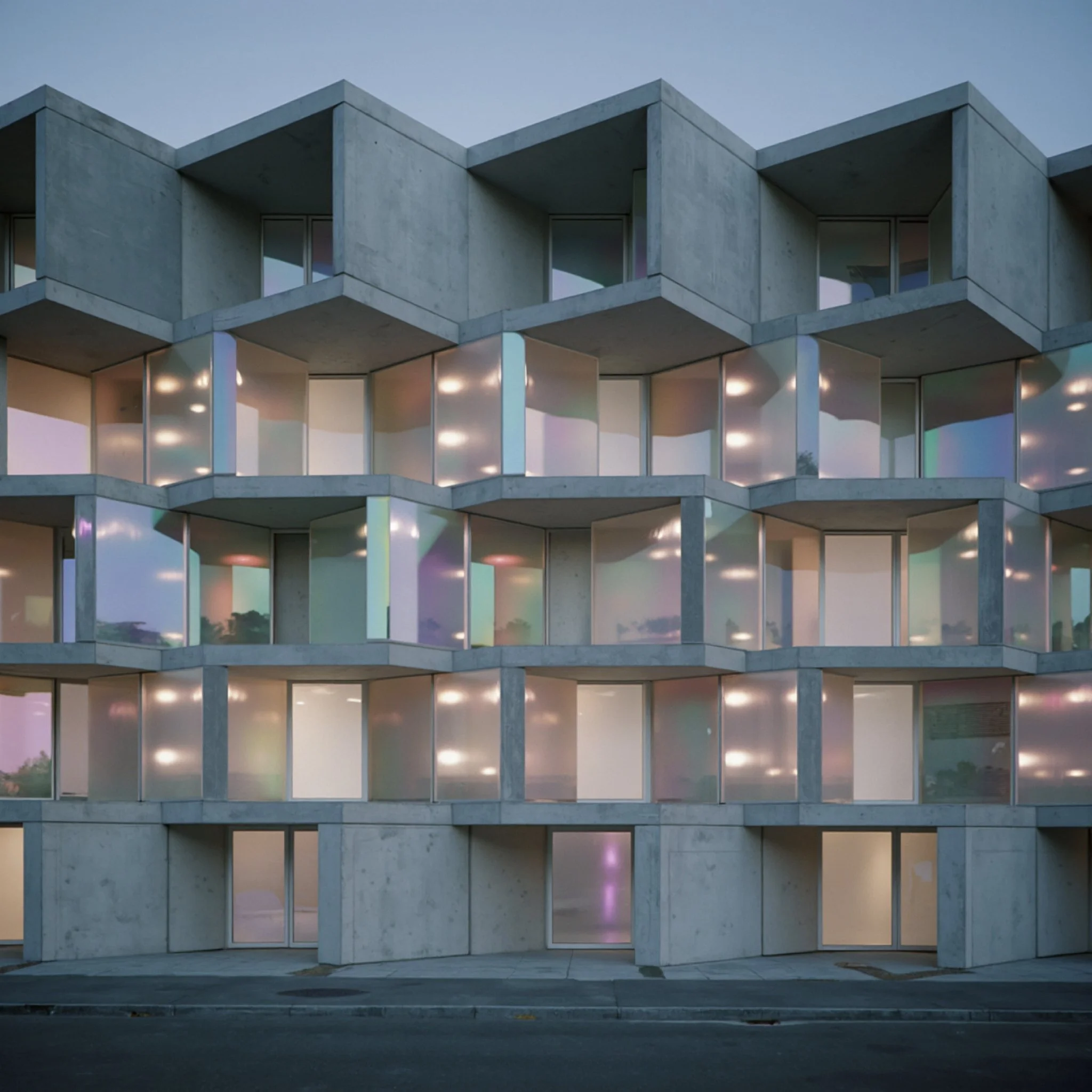 Image 29 of 39
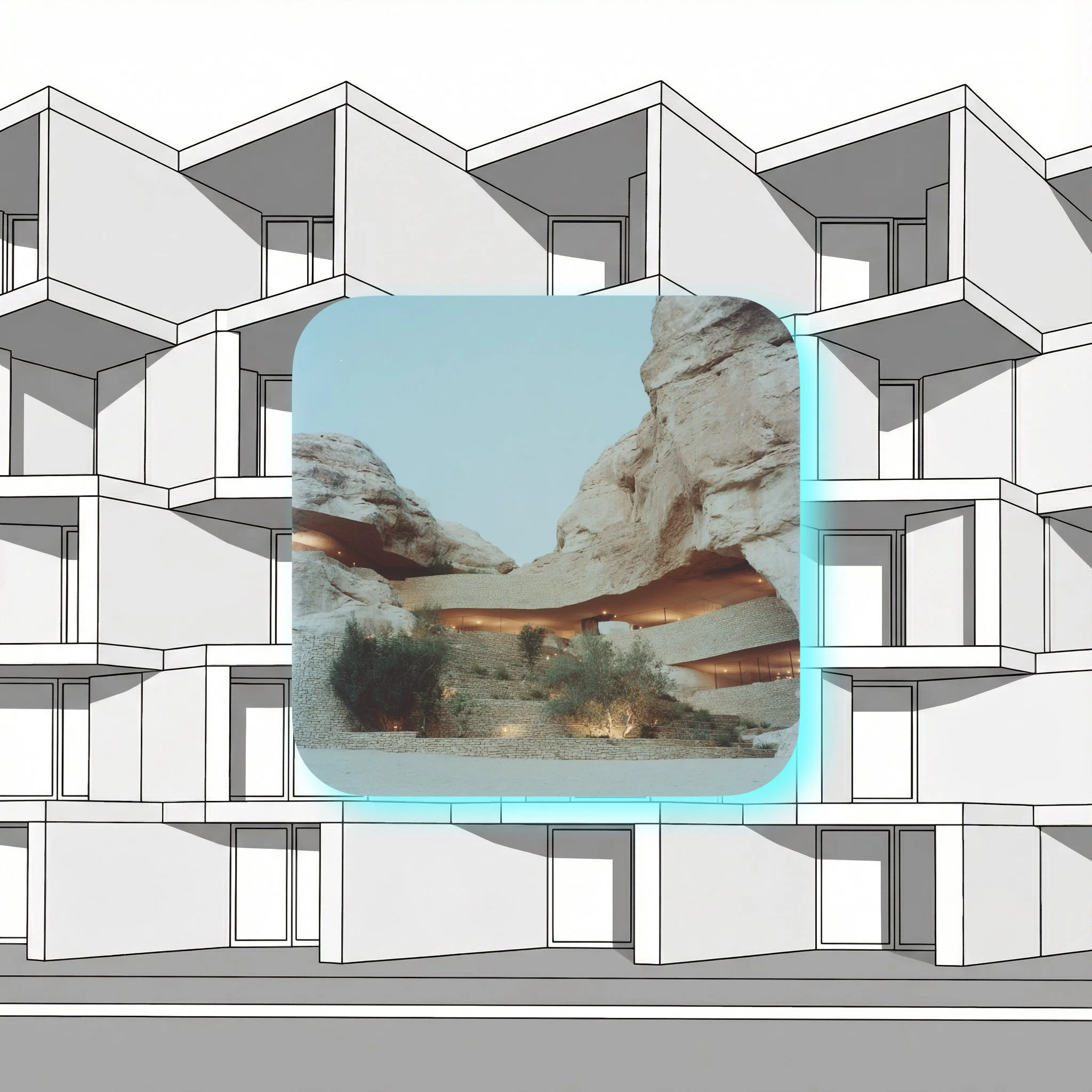 Image 30 of 39
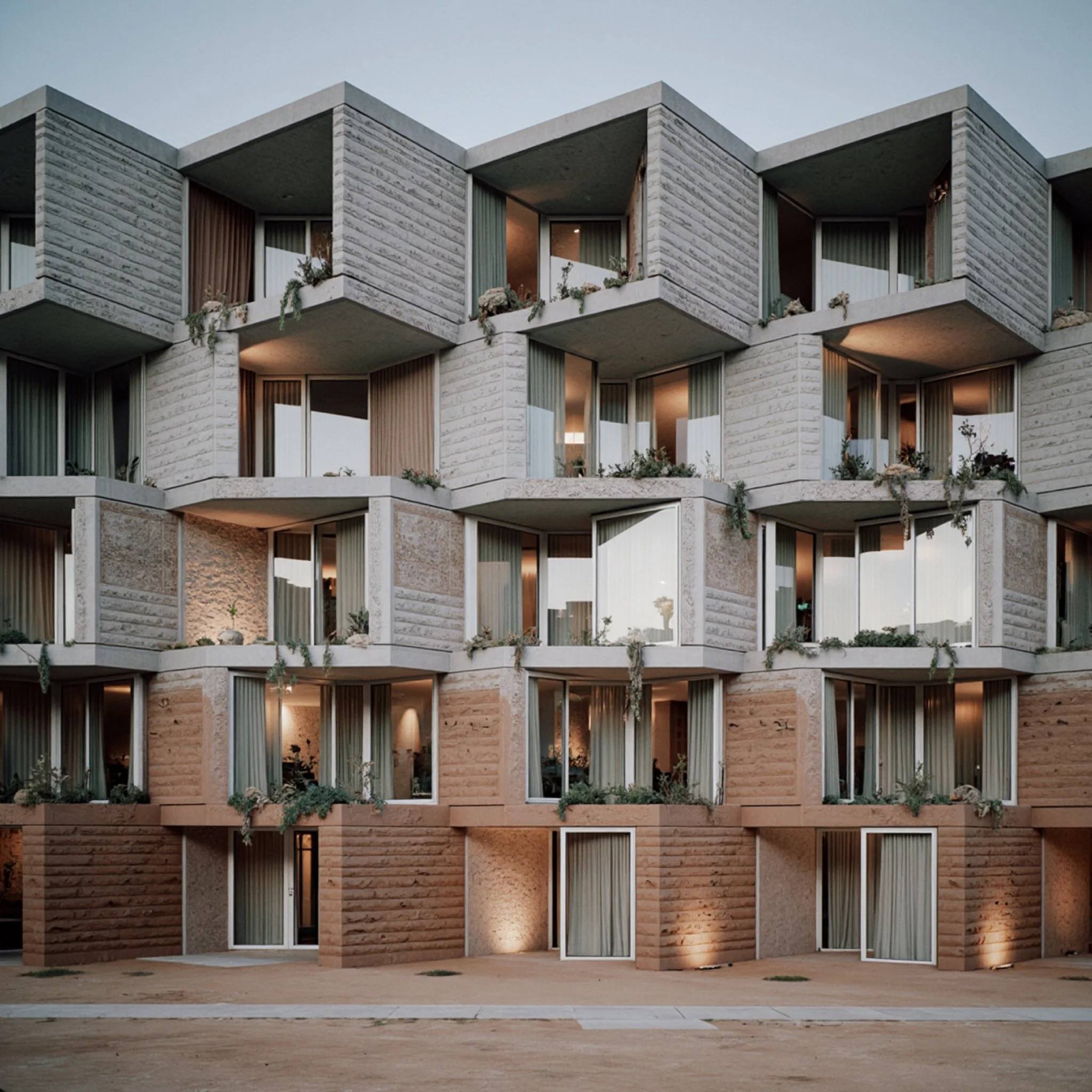 Image 31 of 39
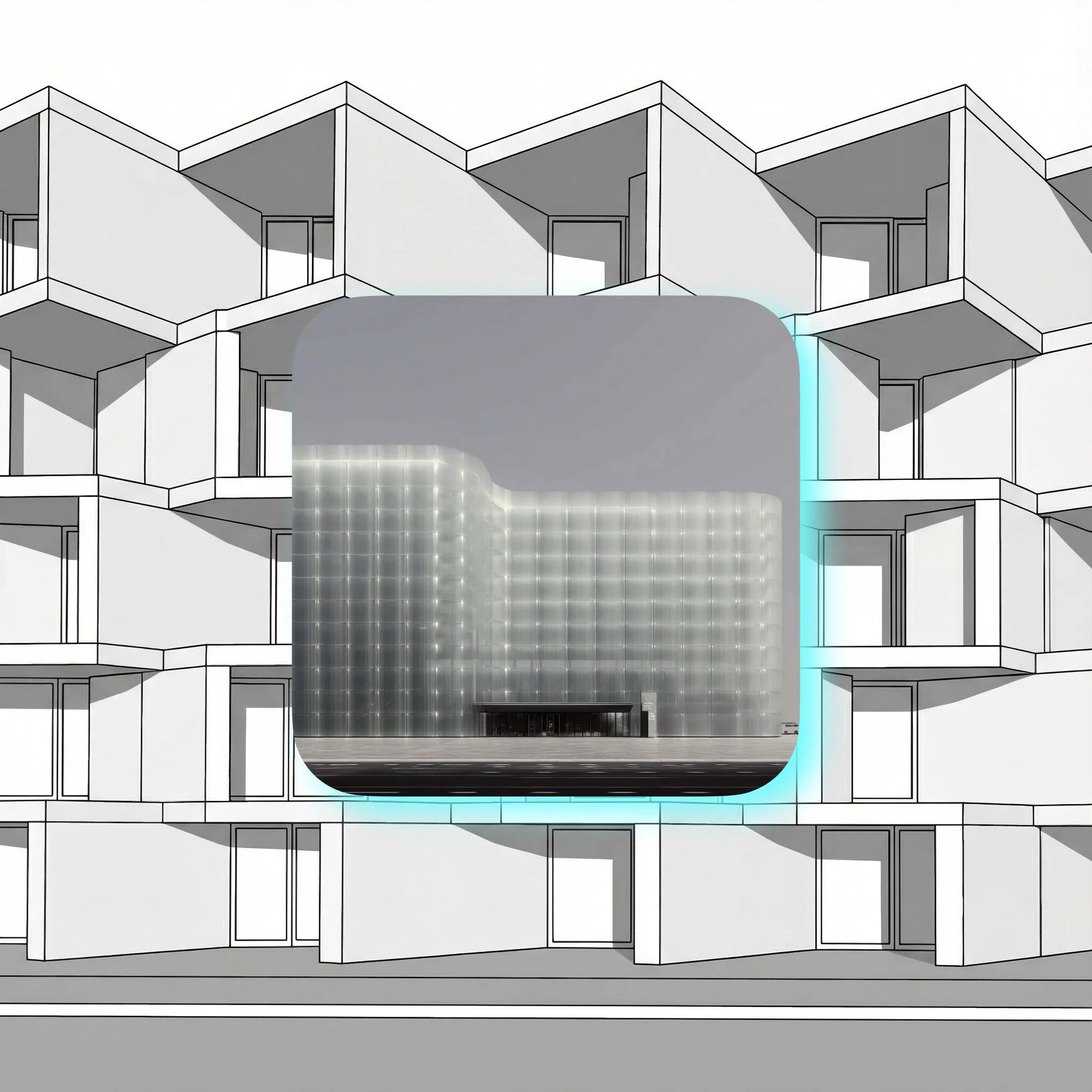 Image 32 of 39
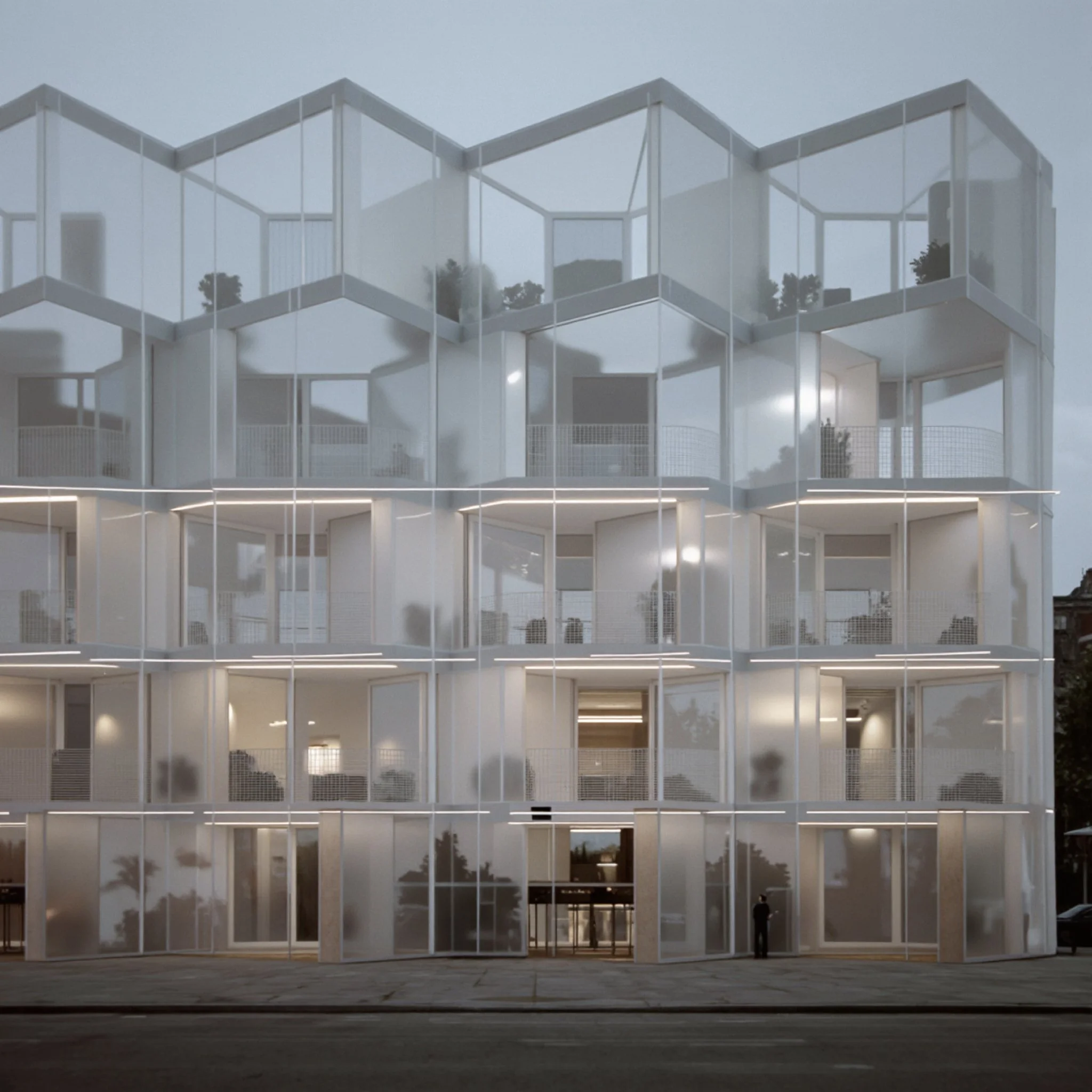 Image 33 of 39
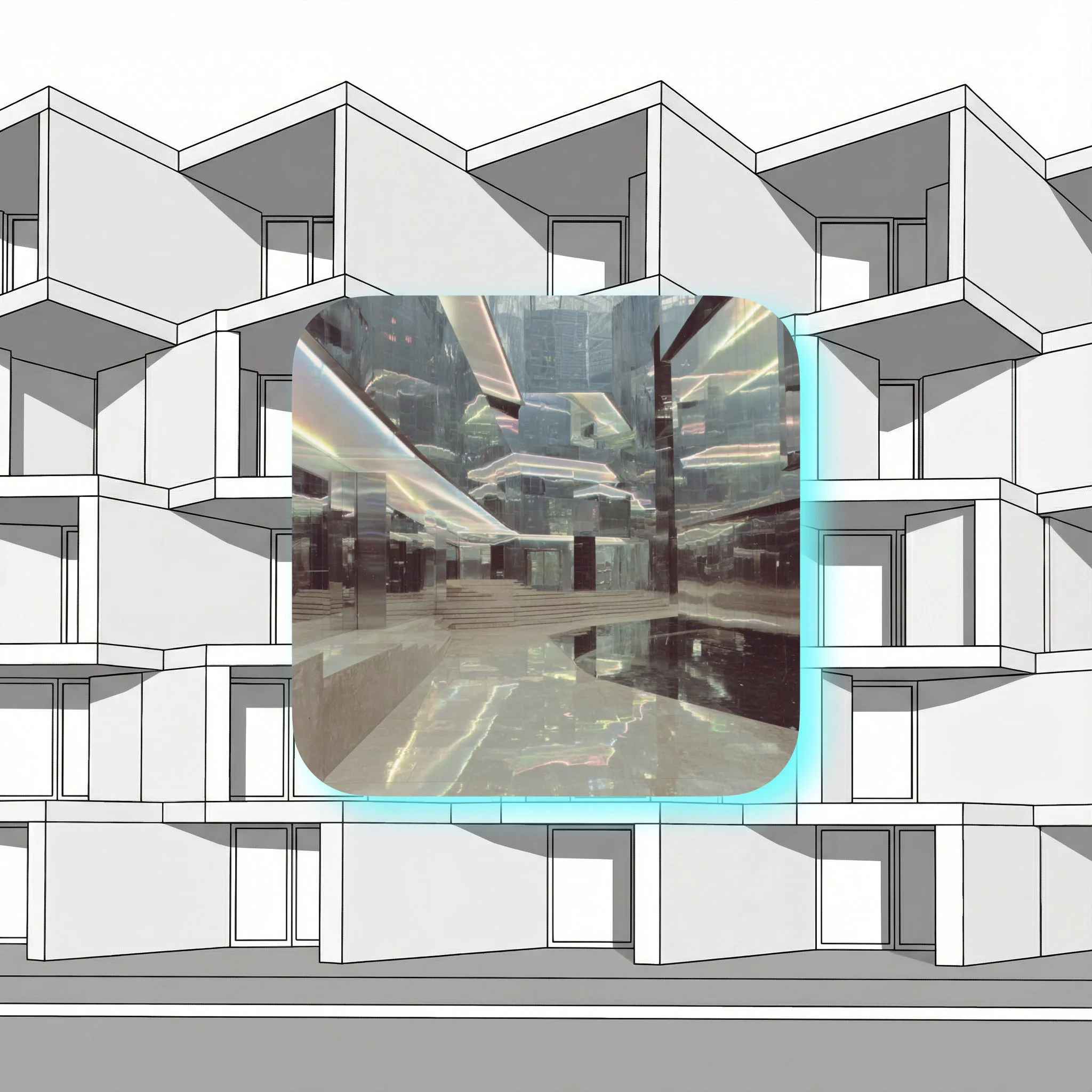 Image 34 of 39
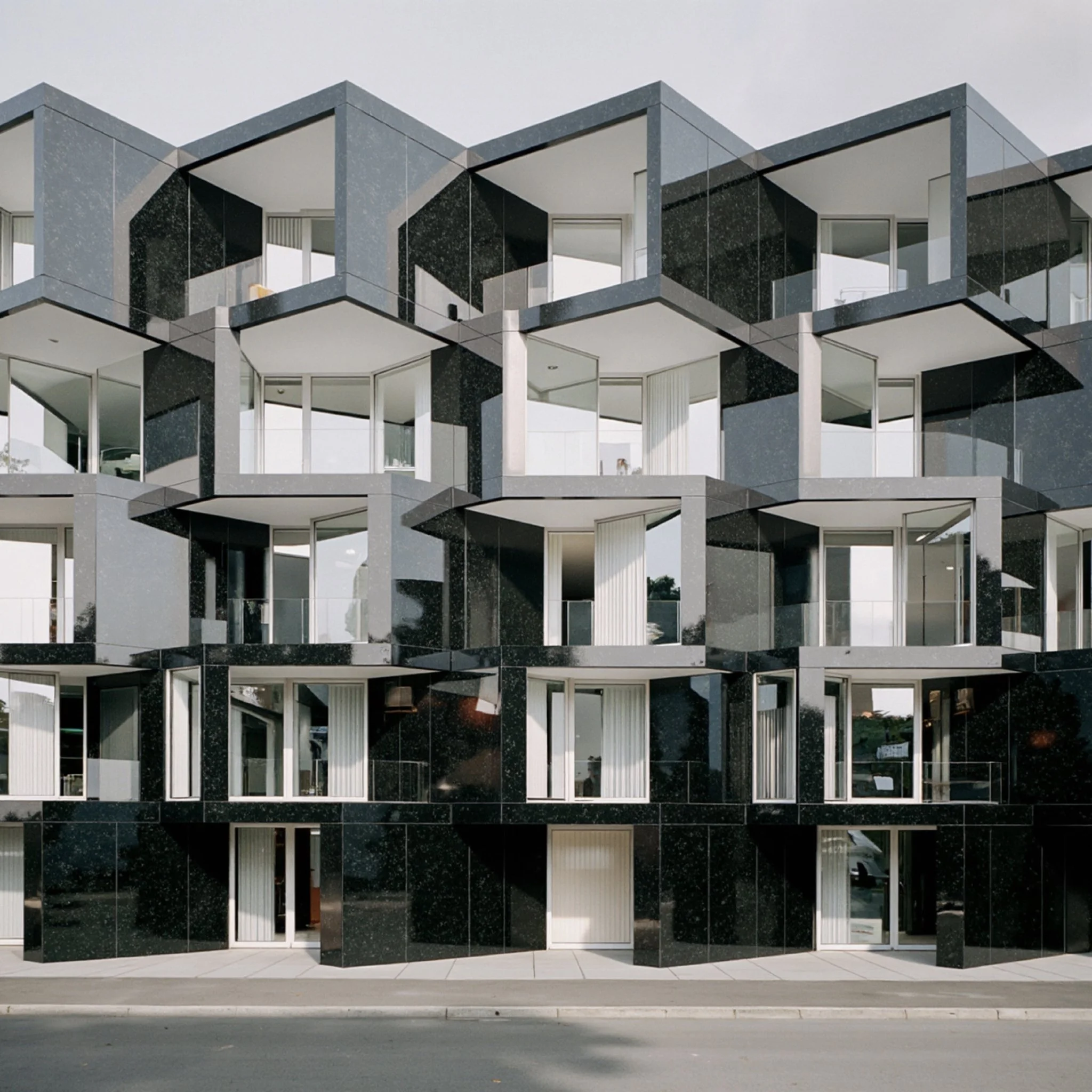 Image 35 of 39
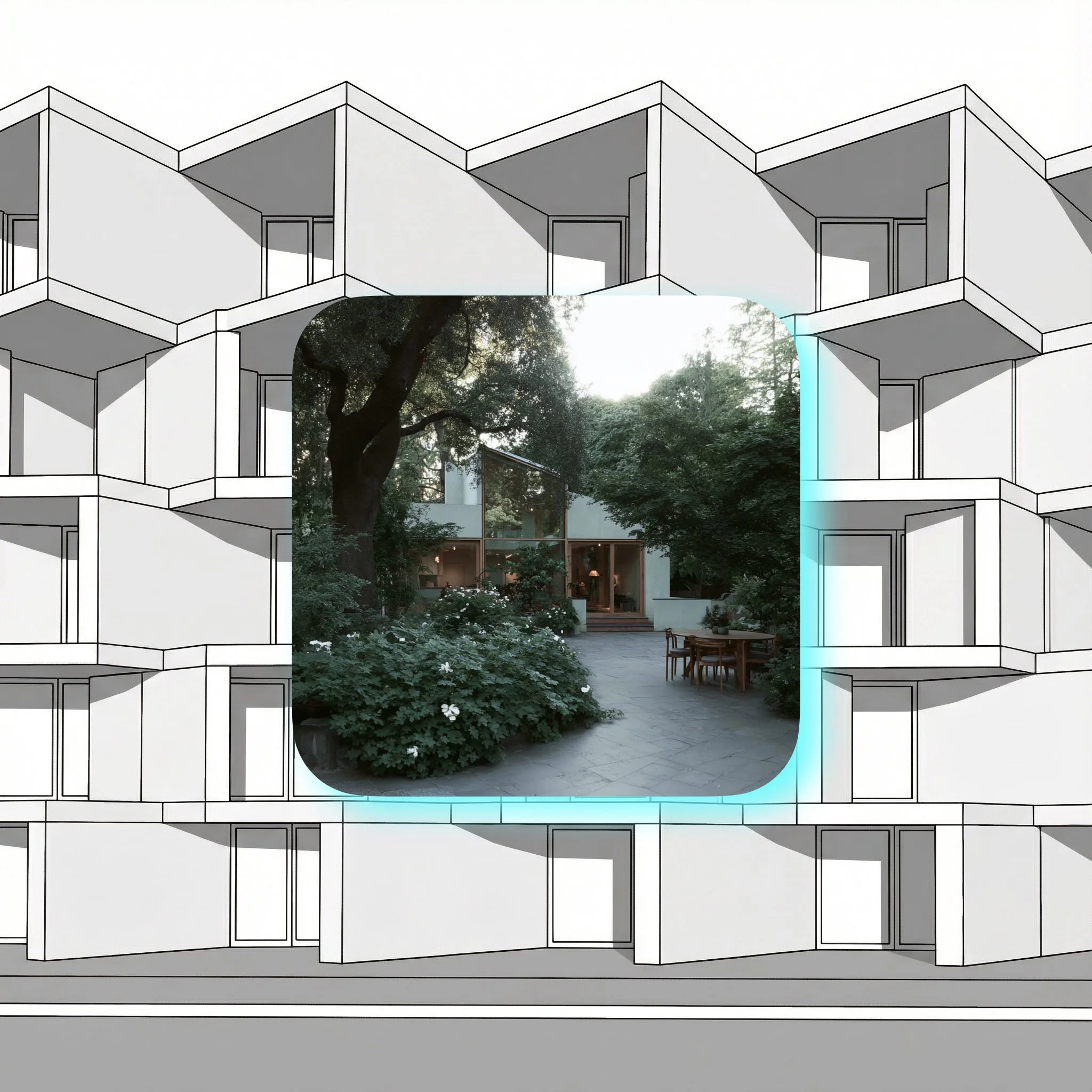 Image 36 of 39
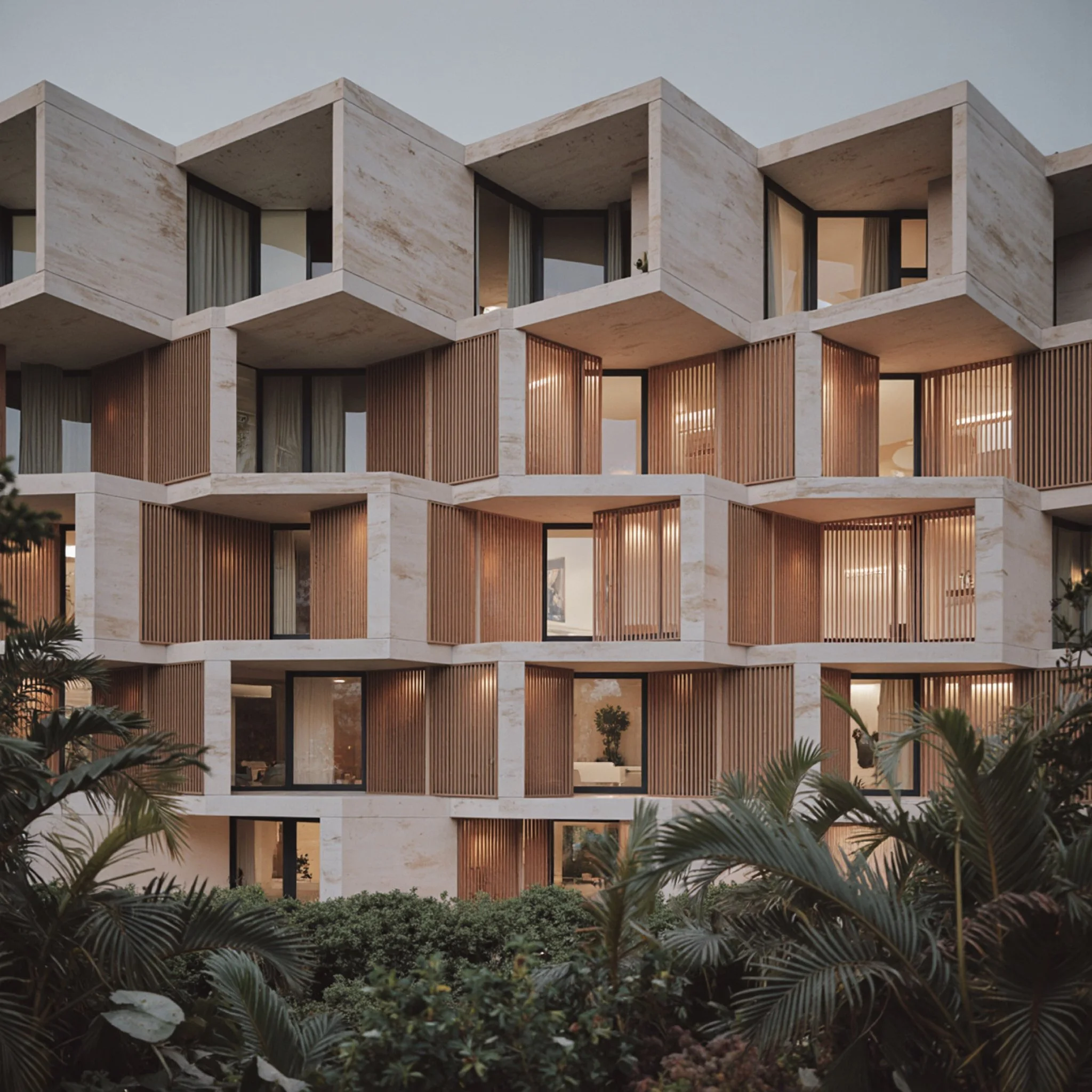 Image 37 of 39
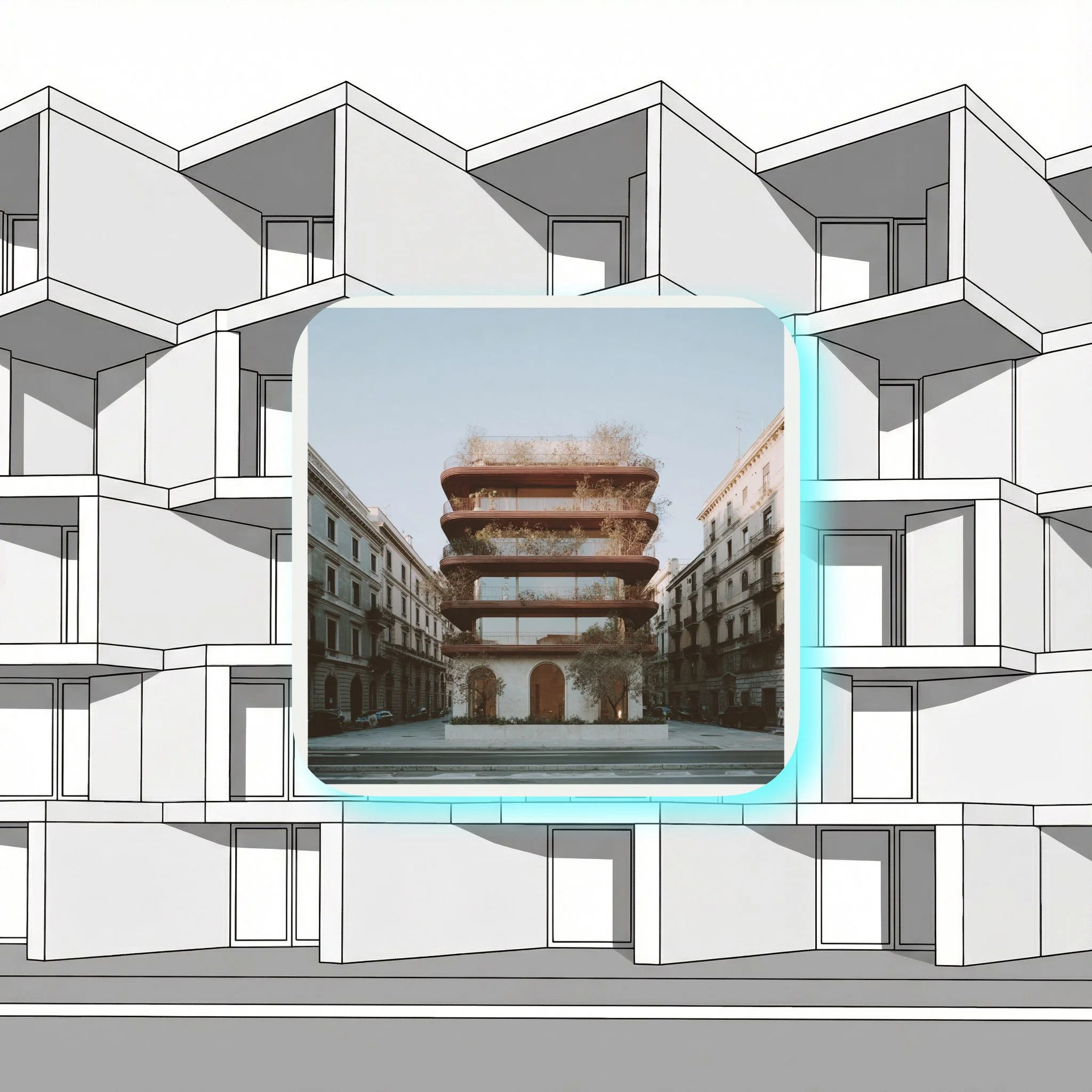 Image 38 of 39
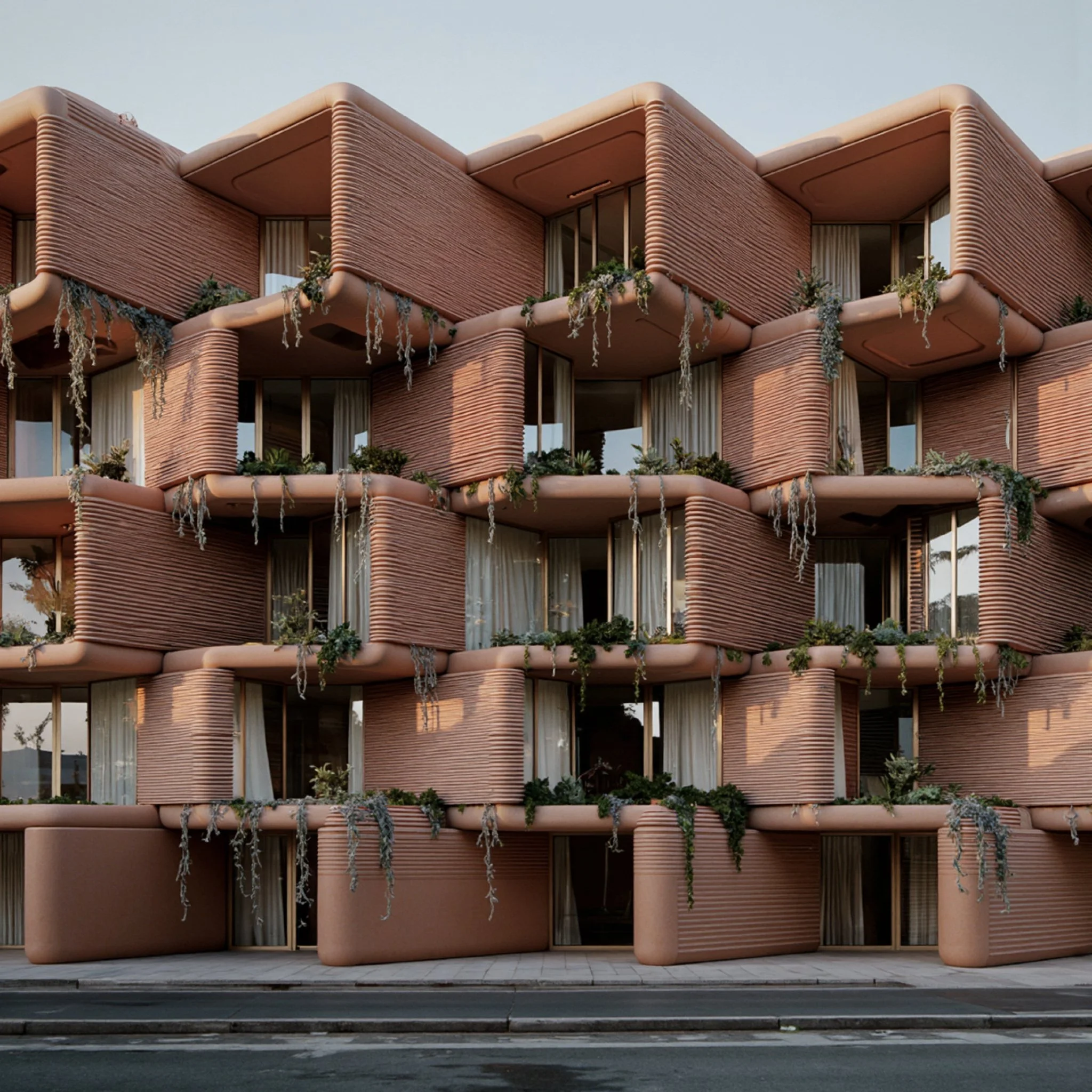 Image 39 of 39